Technical Specs
| Feature | Details |
|---|---|
| Dimensions | 841.89pt x 1190.55pt (A3 size, 11.7 x 16.5 inches) |
| Color Profile | U.S. Web Coated (SWOP) v2 (Print-Ready) |
| Editable Text | Yes |
NO ENTRY STAFF ONLY SIGN - PDF and AI File
Free download · Choose the format you need
printable-staff-only-signs_Folder.zip
Or download single files
File details & tips
- PDF: print at "Actual size" (100%) to keep the exact dimensions.
- ZIP: right-click and choose "Extract All" (Windows) or double-click (Mac) before opening the files.
Trouble downloading? Read our Download Guide.
Preview
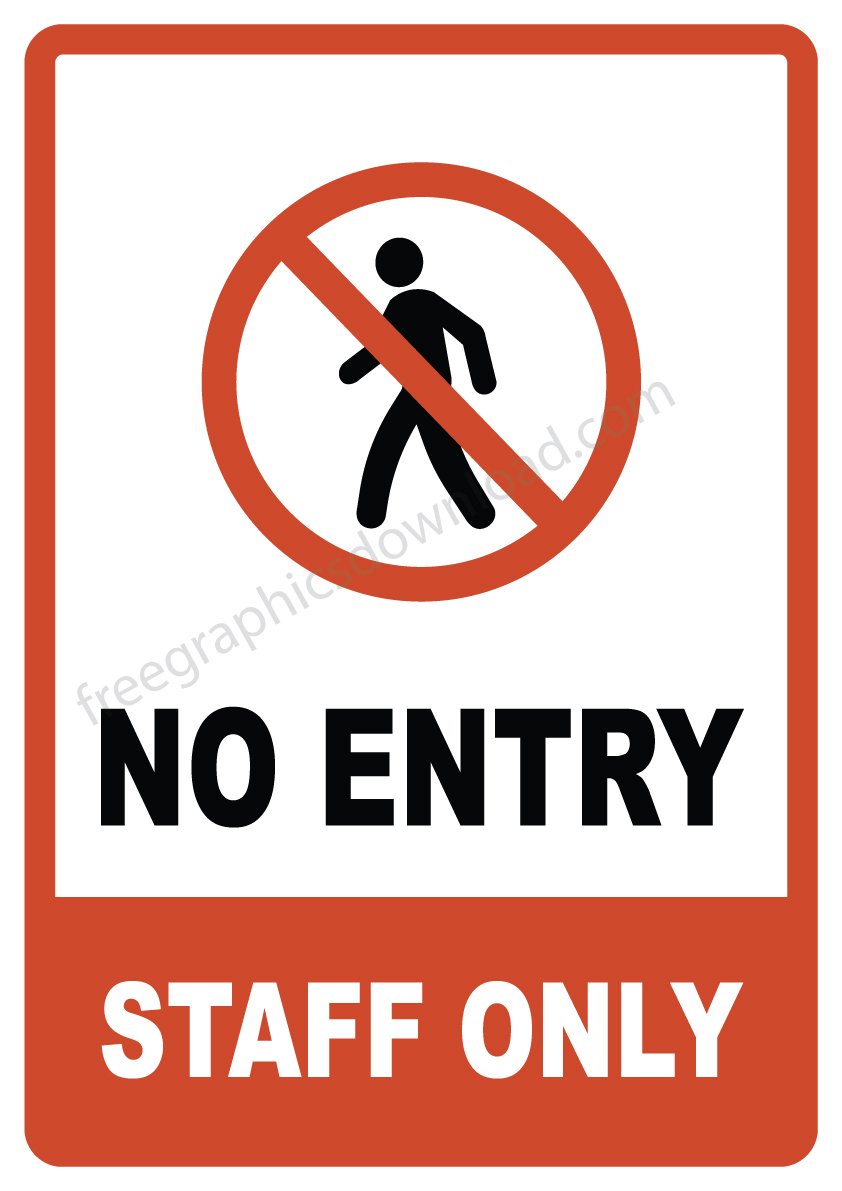
Need clear “Staff Only” printable staff only signs for your office, school, or restricted areas? Download these free, print-ready templates in Illustrator and PDF formats – perfect for maintaining security and organization.
Why Printable Staff Only Signs Work Best
- Instant Access – No email sign-up required
- Crisp Print Quality – CMYK mode with U.S. Web Coated (SWOP) v2 profile
- Fully Customizable – Edit text, colors, or add your logo
- No Hassle – All fonts embedded, no missing links
Technical Specs
| Feature | Details |
|---|---|
| Dimensions | 841.89pt x 1190.55pt (A3 size, 11.7 x 16.5 inches) |
| Color Profile | U.S. Web Coated (SWOP) v2 (Print-Ready) |
| Editable Text | Yes |
| Fonts Required | None – Text fully customizable |
Where To Use These Signs
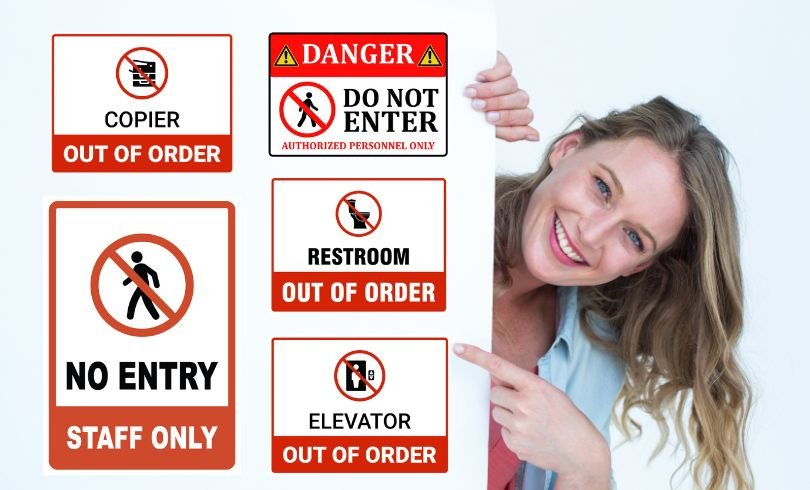
- Office Spaces – Stock rooms, executive areas
- Schools – Faculty lounges, staff bathrooms
- Healthcare – Hospital staff zones, labs
- Retail – Employee-only storage areas
How to Customize & Print
- Download the ZIP file (includes .ai and PDF)
- Open in Adobe Illustrator to edit text/colors
- Print on A3 paper or vinyl stickers (or on A4 using “Fit to page”)
- Display in high-traffic restricted areas
Printing an A3 sign
The PDF is A3 (11.7 x 16.5 inches, 297 x 420 mm). Many office printers can print A3. If yours cannot, any print shop can, usually on vinyl or foam board for a more durable sign. You can also print it on A4 by choosing “Fit to page”. The design shrinks evenly and stays readable for a normal door.
The file is set up in CMYK with the U.S. Web Coated (SWOP) v2 profile, which is a standard print profile. Print shops can use it as it is.
Editing the wording
The ZIP includes the Adobe Illustrator file. Common changes are “Authorized personnel only”, “Kitchen staff only” or “Employees only beyond this point”. You can also add your company logo or translate the text. Keep the message short. A restricted-area sign works because it can be read in a second.
Where to place it
- On the door itself, at eye level, so people see it before they push.
- For areas without a door (a corridor leading to a storeroom), mount it on the wall at the start of the restricted area or on a stand.
- For areas with real hazards such as electrical rooms, use a DANGER do not enter sign instead, and keep the door locked.
Terms
Your use of our printables is subject to our licensing terms .