Every December the same thing happens at shop doors: someone walks up, pulls the handle, and stares at the dark window wondering if you closed for good or just for the day. A clear holiday sign on the door answers that in one second, and it saves you a lot of “are you open tomorrow?” phone calls.
I put together a pack of six printable holiday signs for shops, offices, salons, clinics and restaurants. Each one has blank lines for your own dates and times, so you print it, fill it in with a marker, and tape it up. They come as US Letter and A4 PDFs plus a PNG image, and you are free to use them for your business.
What is in the pack
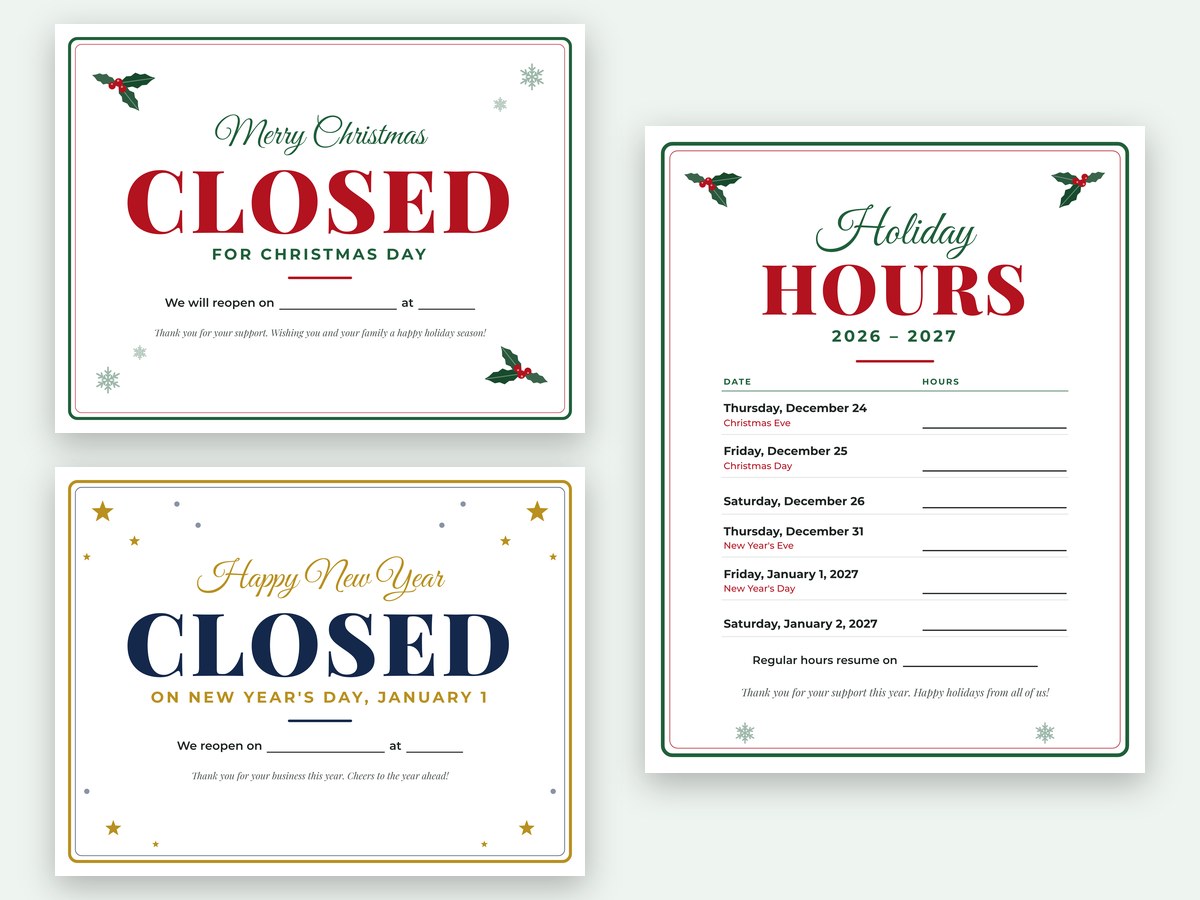
- Closed for Christmas, with a line for the day and time you reopen.
- Closed for the Holidays, a neutral version with “Closed from ___ to ___” for longer breaks.
- Closed on New Year’s Day, in navy and gold. New Year’s Day is always January 1, so you can reuse it every year.
- Closing Early Today, for Christmas Eve and New Year’s Eve when you shut a few hours early.
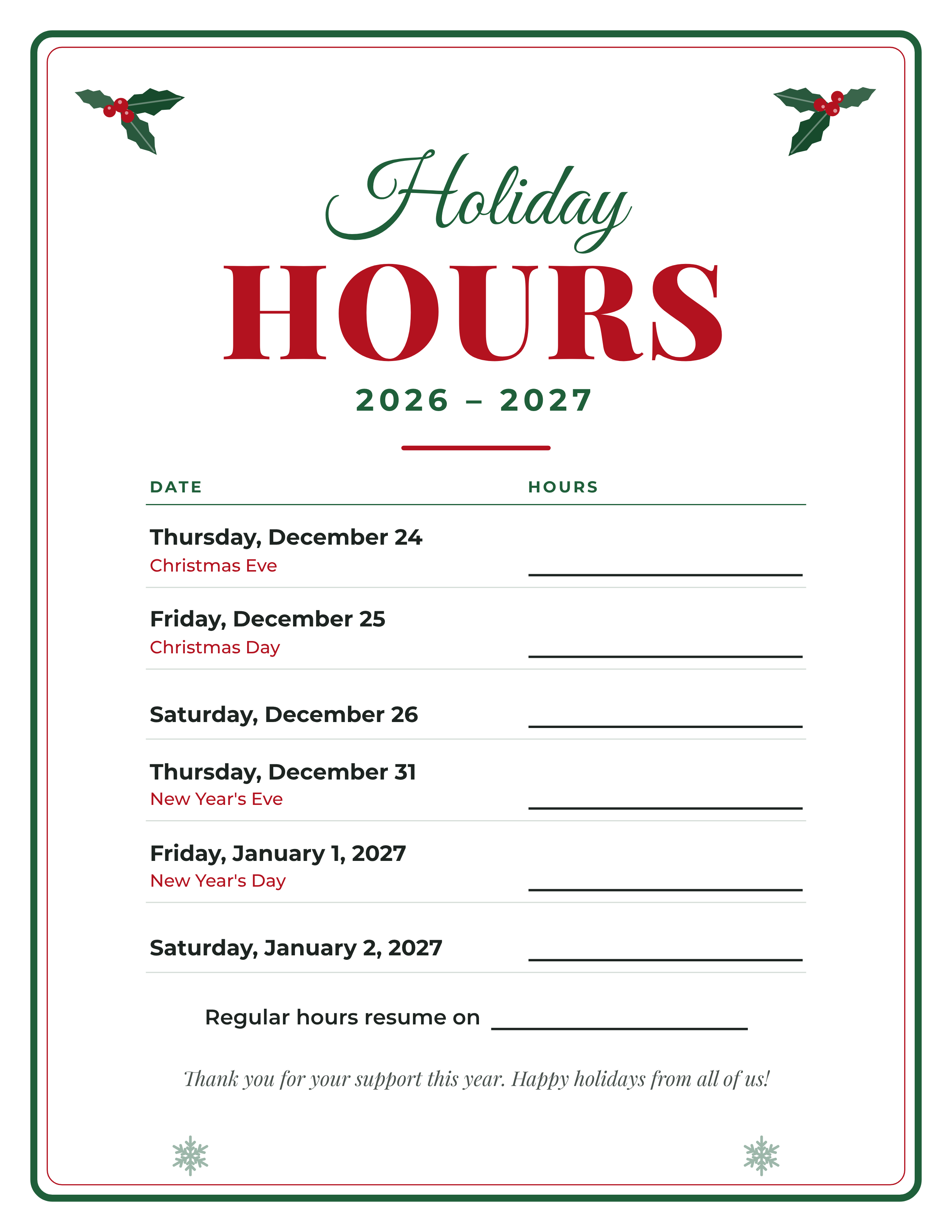
- Holiday Hours 2026–2027, with the real dates and weekdays already printed. You only add the hours.
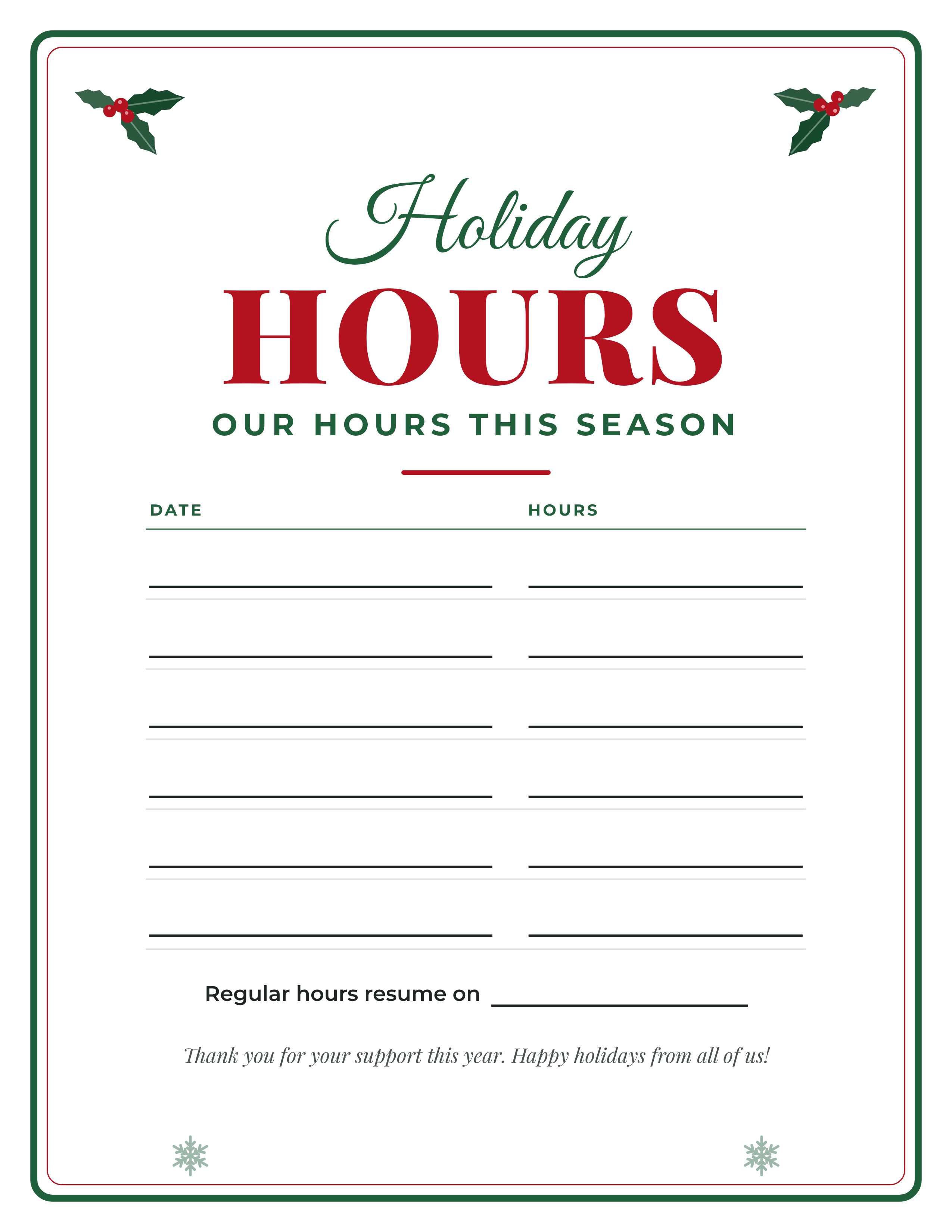
- Holiday Hours (blank), with empty date lines so it works for any year or any holiday.
Want everything at once? The ZIP has all six signs in both paper sizes and the PNG images.
Holiday Closed Signs Pack (all 6 signs)
Free download · No sign-up needed
holiday-closed-signs-pack.zip
File details & tips
- ZIP: right-click and choose "Extract All" (Windows) or double-click (Mac) before opening the files.
Trouble downloading? Read our Download Guide.
The signs
1. Closed for Christmas sign
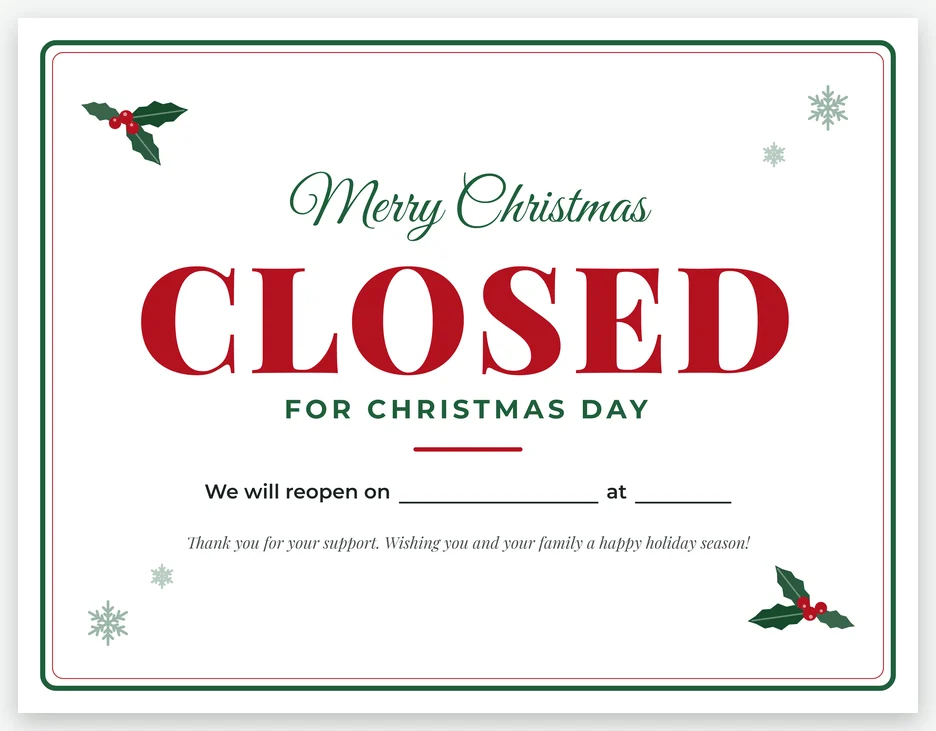
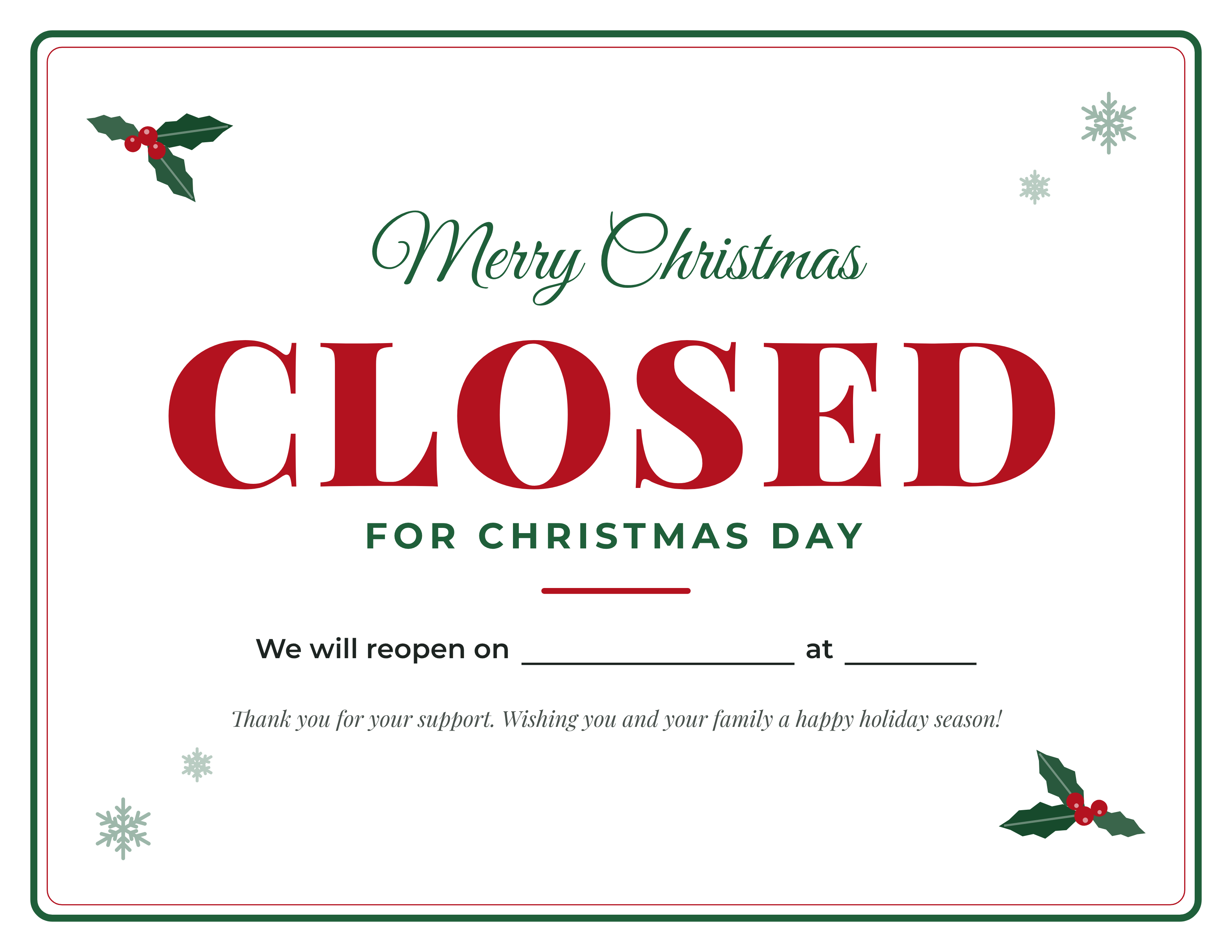
The classic one: a big red CLOSED with “Merry Christmas” above it and holly in the corners. Below is a line for the day you reopen and the time, for example “Saturday, December 26 at 10 AM”. Most customers only need those two facts, so I kept everything else short.
Closed for Christmas Sign
Free download · Choose the format you need
closed-for-christmas-sign-us-letter.pdf
Or download single files
File details & tips
- PDF: print at "Actual size" (100%) to keep the exact dimensions.
- PNG files have a transparent background – ready for Canva, Word, PowerPoint or websites.
Trouble downloading? Read our Download Guide.
2. Closed for the Holidays sign
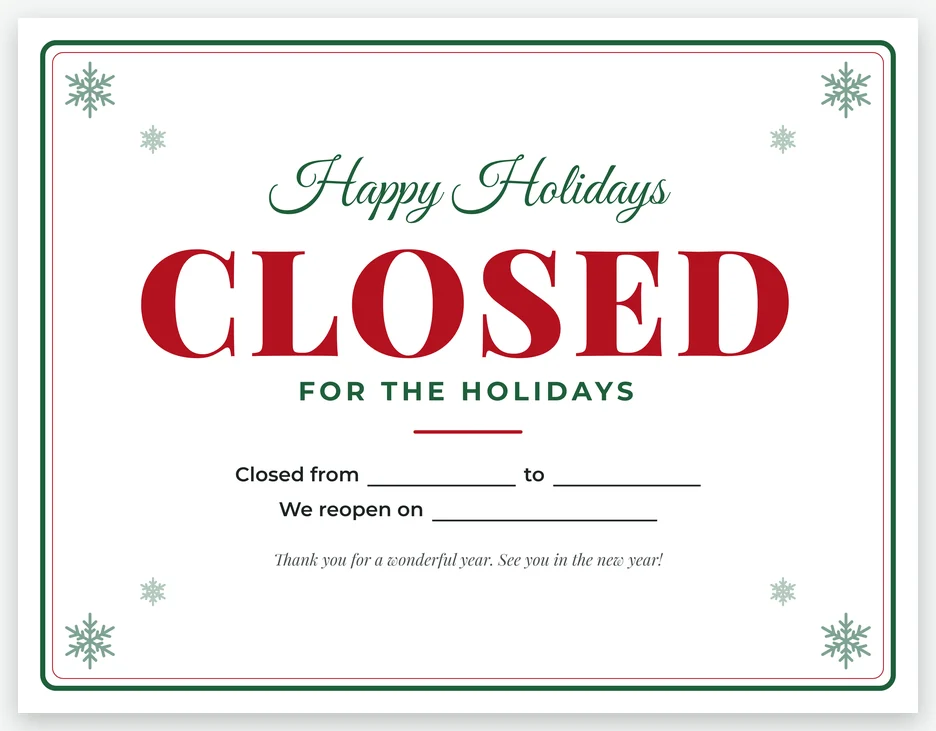
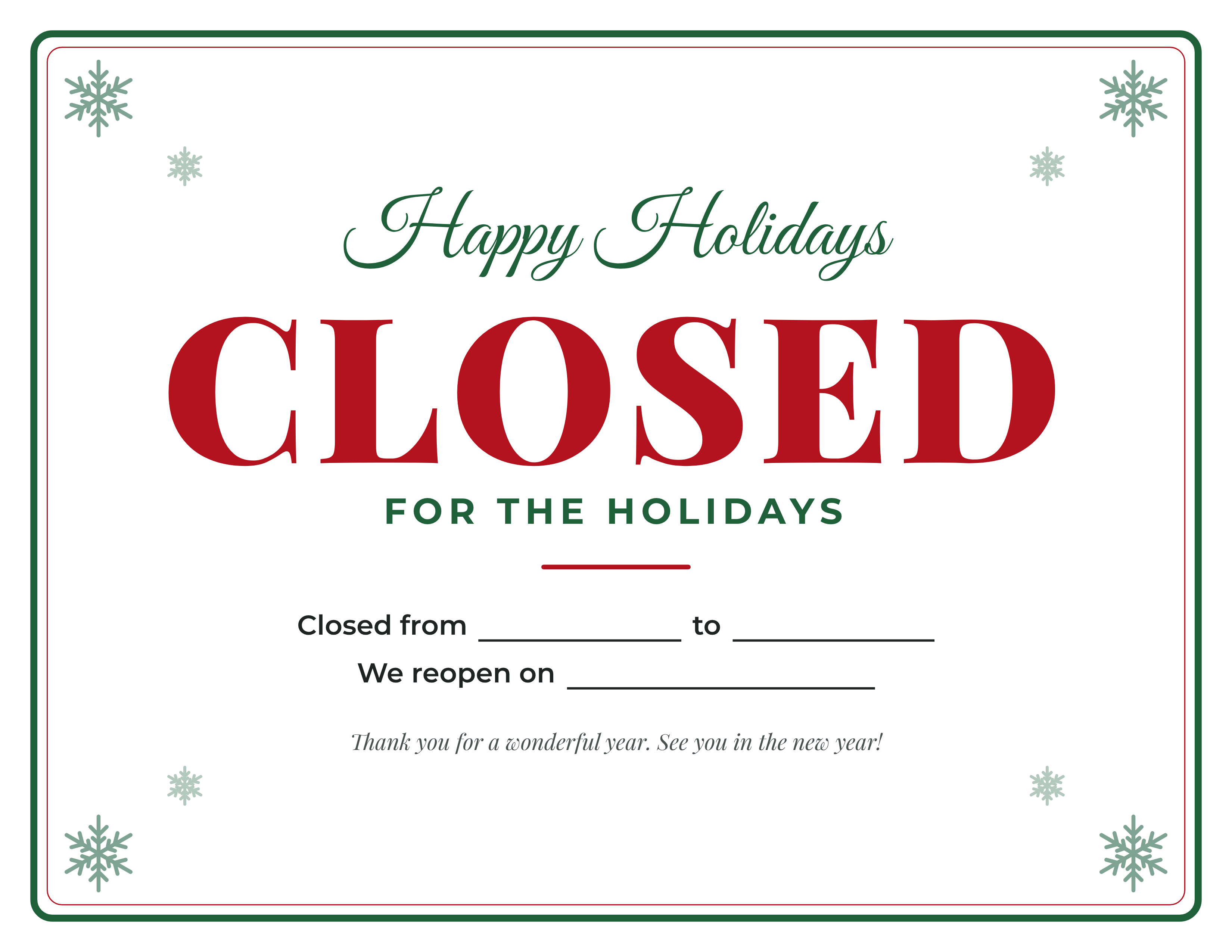
Use this one if you close for more than a day, for example from Christmas Eve until after New Year. It says “Happy Holidays” rather than naming one holiday, so it suits any business and any customer. Fill in the first and last closed days and the date you reopen.
Closed for the Holidays Sign
Free download · Choose the format you need
closed-for-the-holidays-sign-us-letter.pdf
Or download single files
File details & tips
- PDF: print at "Actual size" (100%) to keep the exact dimensions.
- PNG files have a transparent background – ready for Canva, Word, PowerPoint or websites.
Trouble downloading? Read our Download Guide.
3. Closed on New Year’s Day sign
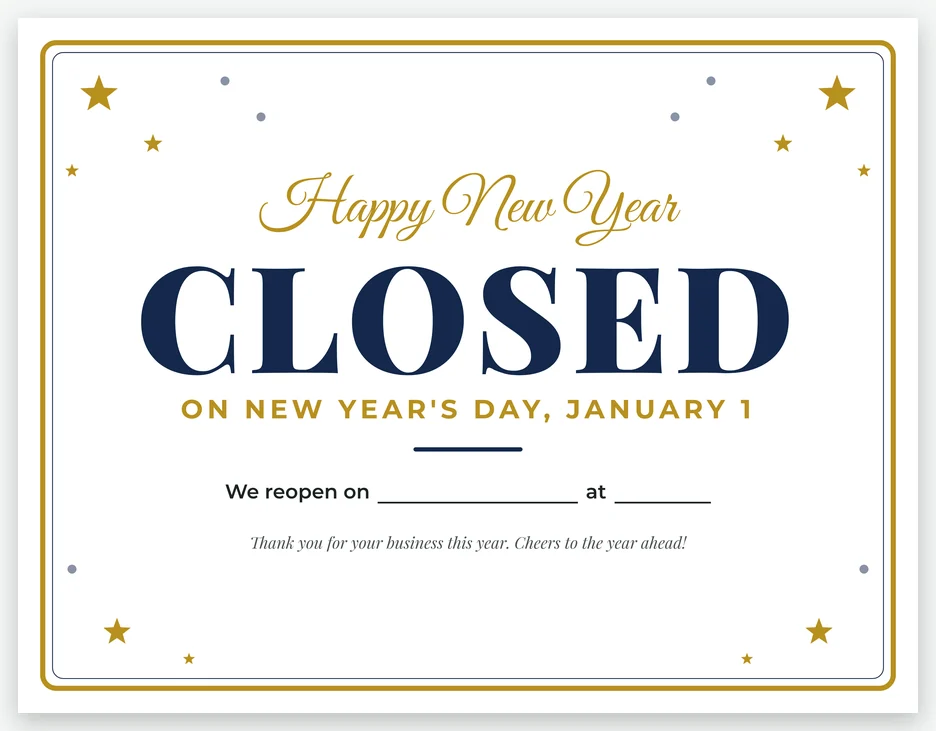
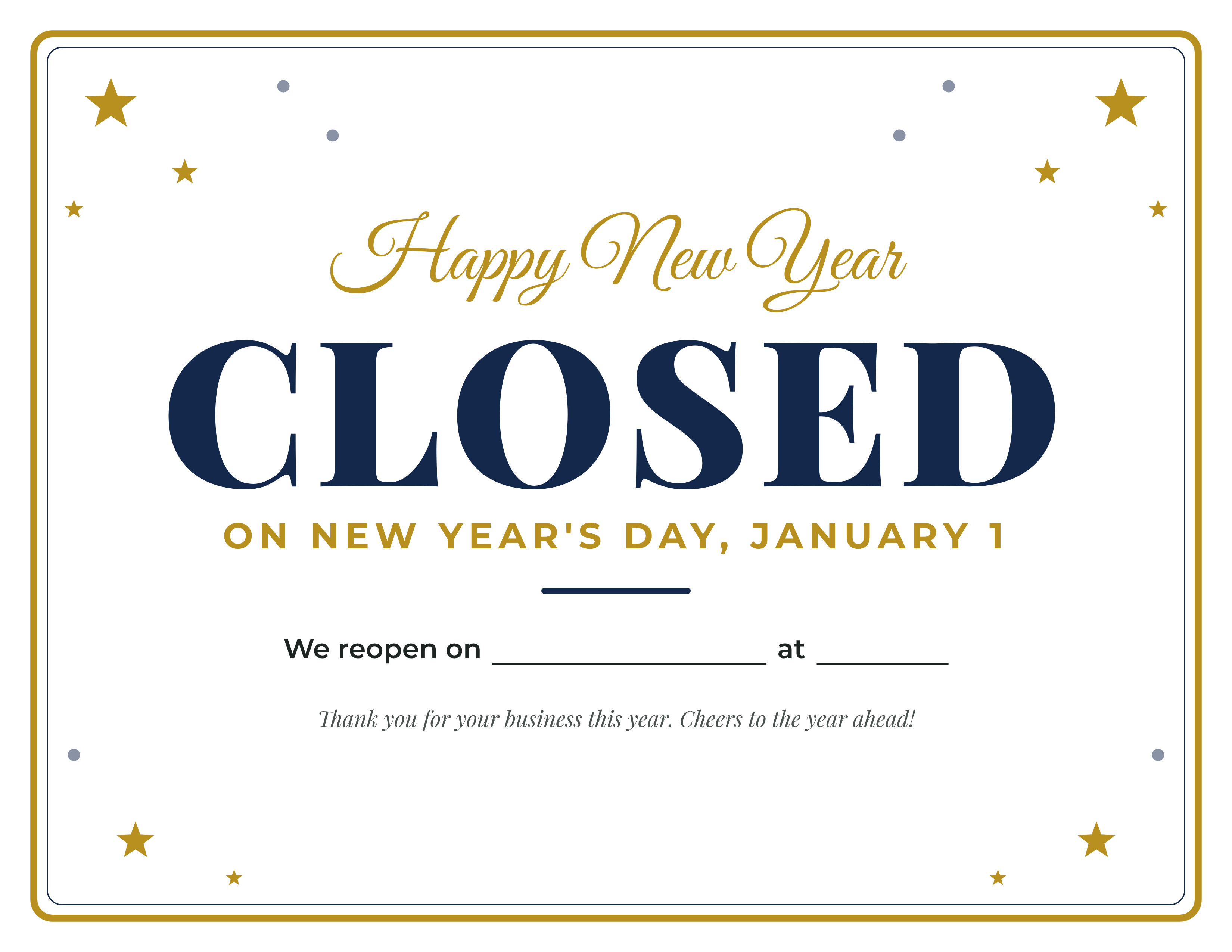
A navy and gold design with “Happy New Year” and the date January 1 printed on it. Since New Year’s Day never moves, you can laminate this one and use it again next year. Just write the reopening day on a sticky note or with a dry-erase marker on the laminated sheet.
Closed on New Year's Day Sign
Free download · Choose the format you need
closed-new-years-day-sign-us-letter.pdf
Or download single files
File details & tips
- PDF: print at "Actual size" (100%) to keep the exact dimensions.
- PNG files have a transparent background – ready for Canva, Word, PowerPoint or websites.
Trouble downloading? Read our Download Guide.
4. Closing Early Today sign
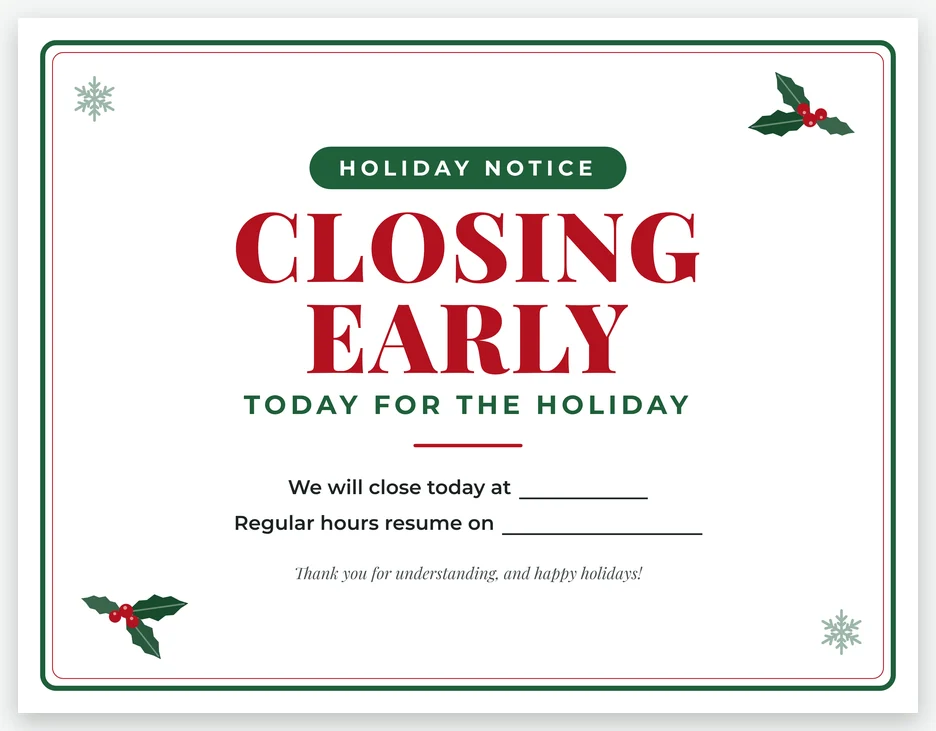
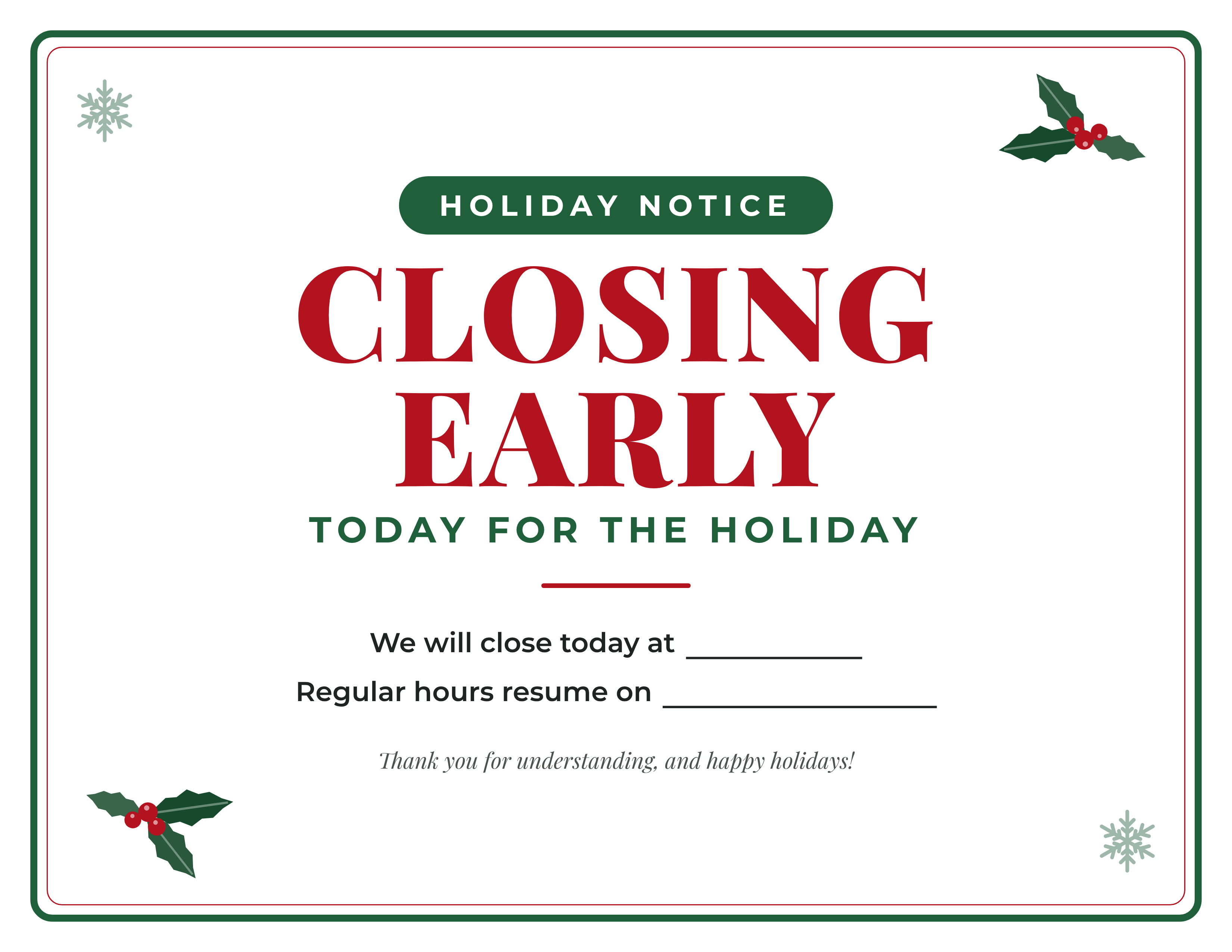
Christmas Eve and New Year’s Eve are the days people get caught out, because many places close a few hours early. Put this sign up in the morning so customers see it before they plan their afternoon. There are lines for today’s closing time and the day your regular hours start again.
Closing Early Today Holiday Sign
Free download · Choose the format you need
closing-early-today-sign-us-letter.pdf
Or download single files
File details & tips
- PDF: print at "Actual size" (100%) to keep the exact dimensions.
- PNG files have a transparent background – ready for Canva, Word, PowerPoint or websites.
Trouble downloading? Read our Download Guide.
5. Holiday Hours sign for 2026–2027
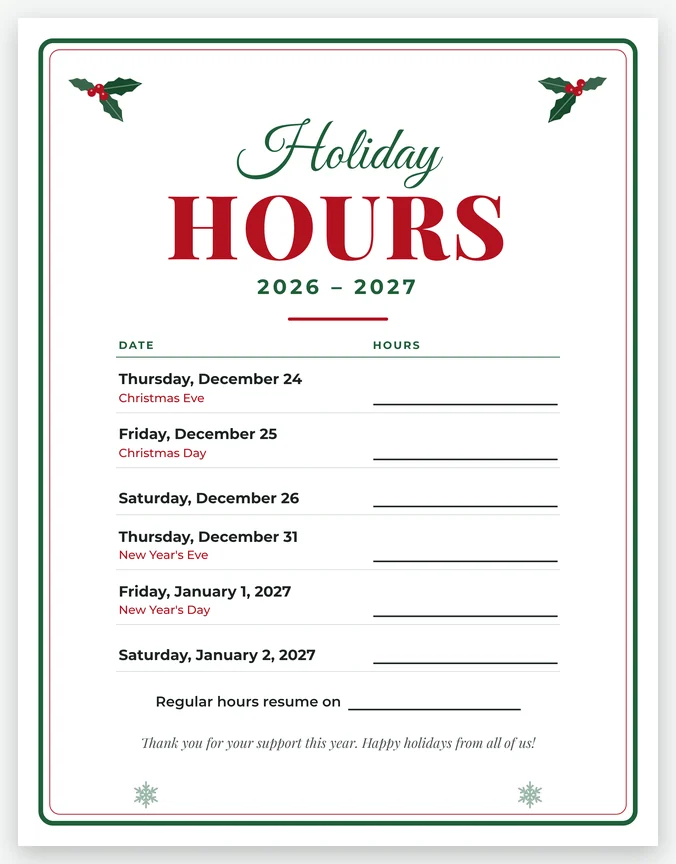
This is the one I would put up first. The six days that usually change are already printed with the correct weekdays for this season: Christmas Eve, Christmas Day, Saturday December 26, New Year’s Eve, New Year’s Day and Saturday January 2. Write “Closed” or your hours on each line, then add when regular hours resume.
Holiday Hours Sign 2026-2027
Free download · Choose the format you need
holiday-hours-2026-sign-us-letter.pdf
Or download single files
File details & tips
- PDF: print at "Actual size" (100%) to keep the exact dimensions.
- PNG files have a transparent background – ready for Canva, Word, PowerPoint or websites.
Trouble downloading? Read our Download Guide.
6. Holiday Hours sign (blank)
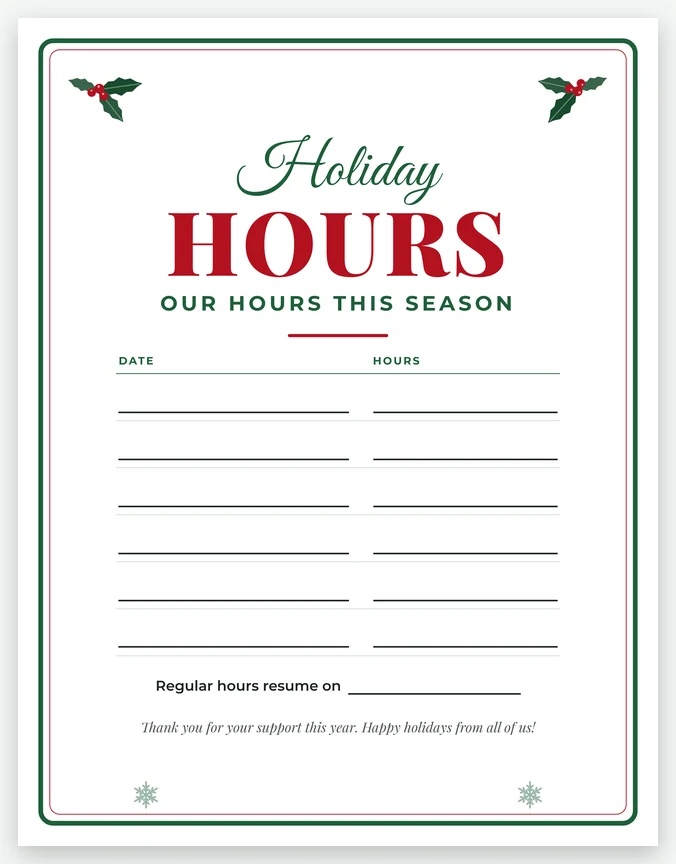
Same layout with empty date lines. Use it if your changed days are different, for other holidays like Thanksgiving or Easter, or next year when the dated version is out of date.
Blank Holiday Hours Sign
Free download · Choose the format you need
holiday-hours-blank-sign-us-letter.pdf
Or download single files
File details & tips
- PDF: print at "Actual size" (100%) to keep the exact dimensions.
- PNG files have a transparent background – ready for Canva, Word, PowerPoint or websites.
Trouble downloading? Read our Download Guide.
Holiday dates for 2026–2027 at a glance
If you are filling in the blank version, here are the dates most businesses change their hours around this season:
| Day | Date |
|---|---|
| Christmas Eve | Thursday, December 24, 2026 |
| Christmas Day | Friday, December 25, 2026 |
| New Year’s Eve | Thursday, December 31, 2026 |
| New Year’s Day | Friday, January 1, 2027 |
Because both Christmas Day and New Year’s Day fall on a Friday this year, many places will be closed for a long weekend. If you open again on the Saturday, say so clearly on your sign, because a lot of people will assume you are closed until Monday.
How to fill in and print the signs
- Pick your paper size. In the US and Canada use the US Letter PDF. Almost everywhere else, use A4.
- Print at “Actual size” or 100%, not “Fit to page”, so the border stays even.
- Fill in the lines with a thick black marker. A fine pen is hard to read from outside the door. Write the day as well as the date (“Sat, Dec 26”), because people remember weekdays better than dates.
- Protect it. A clear sheet protector or a quick lamination keeps the ink from running if the glass gets wet or cold.
- Tape it inside the glass at eye level, facing out, close to the door handle. That is where people look when the door does not open.
Prefer typed text over handwriting? Make your own version in the free Sign Maker. Pick the “We Are Closed” template, type your dates, and download a PDF in a minute.
Do not forget your online hours
A door sign only helps people who are already standing at your door. Most customers check their phone first, so update your hours in these places too:
- Google Business Profile. Open your profile, go to Edit profile, then Hours, and use “Special hours” to add each holiday date. You can mark a day as closed all day or set shorter hours. This is what Google Maps and Search show when someone looks you up.
- Your website, ideally as a short notice at the top of the home page.
- Social media and your phone voicemail, with the same dates as the door sign.
Keeping all of these the same as your sign avoids the worst outcome: a customer who drives over because Google said you were open.
Frequently asked questions
Can I use these signs for my business?
Yes. The signs are free for personal and commercial use, so you can print them for your shop, office, restaurant or clinic. You just cannot sell the files or share them on another website as your own downloads.
Can I type my dates instead of writing them?
The PDFs are made for handwriting, which is the quickest way. If you want typed text, use the free Sign Maker to make a closed sign with your own dates.
Will the 2026 Holiday Hours sign work next year?
No, the weekdays change every year. Next year, use the blank Holiday Hours sign and write in the dates, or come back for an updated version.
Can I print the signs in black and white?
Yes. The red, green and navy print as dark gray and the text stays easy to read. Color looks more festive, but black and white works fine for a back door or staff room.
Which sign should I use if I am not closing, just changing hours?
Use the Holiday Hours sign. It lets you show shorter hours on some days and “Closed” on others, all on one page.
More free signs for your business
Need something else on the door this winter? Browse the printable signs, the out of order signs for anything that breaks over the holidays, or the 10 printable signs every office needs. Happy holidays!