

| Feature | Description |
|---|---|
| Sign Text | “Printer out of order” sign in bold, easy-to-read font |
| Orientation | Landscape |
| Design | Clean and attention-grabbing with red and black color scheme |
| Ideal For | Hotel, Resort, office, school, public place |
| Print Quality | High resolution, suitable for indoor and outdoor display |
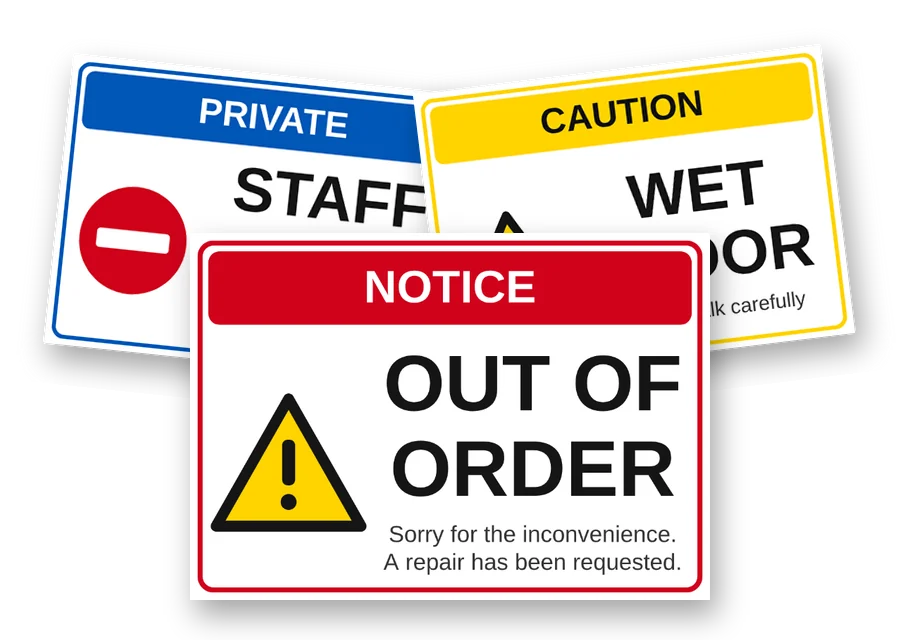
Printer Out Of Order sign printable pdf
Free download · No sign-up needed
Printer-out-of-order-sign-printable-pdf.pdf
File details & tips
- PDF: print at "Actual size" (100%) to keep the exact dimensions.
Trouble downloading? Read our Download Guide.
Is your printer broken and you need a clear sign to let people know? We have the best answer for you! Download a free PDF of the “Printer out of order sign” right here. This high-quality PDF document is easy to use and perfect for homes, offices, or anywhere else you need to give a quick notice. Just download, print, and show! You don’t have to worry about telling coworkers or visitors when your printer isn’t working anymore. This “Printer out of order sign printable free download” is easy to use and works well for your purposes.
Where to stick a printer sign
Put it on the paper output tray or across the control panel. People usually send a print job from their desk and only notice a problem when they walk over to collect it, so the sign also helps the next person who comes looking for their pages.
A notice on the printer does not stop people from sending jobs to it from their computers. If you can, pause the printer in your office network settings or ask IT to do it. Then write the name of the working printer on the sign, for example “Please print to HR-Printer-2”.
Printing tip
The file is one landscape page at US Letter size (11 x 8.5 inches). Since the printer you need it for is broken, open the PDF on another computer or a phone and print it on any other printer. Choose “Fit to page” for A4 paper.
For hotels and schools
Business centres in hotels and computer labs in schools often have one shared printer. Keep a printed sign with the IT or front desk team. Add a line like “Ask reception for printing help” so guests and students know where to go.
Frequently asked questions
Should I unplug the printer?
Only if it is making strange noises, smells hot or shows an error about a power fault. For paper jams and low toner, leave it on so IT can see the error on the display.
How do I stop people sending jobs to the broken printer?
Ask IT to pause the printer on the network, or set another printer as the default for your team. People print from their desks and will not see the sign until they walk over to collect their pages.
What should I do about confidential prints stuck inside?
If HR or finance documents were sent to the printer, tell the IT person when they come to fix it. Jobs can come out later when the printer restarts, and someone should be there to collect them.


 Make your own signType your message, pick a color and download a print-ready PDF. Free, no sign-up.


