PPT on Artificial Intelligence for Class 10
Free download · No sign-up needed
PPT-on-Artificial-Intelligence-for-Class-10.pptx
File details & tips
- Slides are fully editable in PowerPoint, Google Slides or Keynote.
Trouble downloading? Read our Download Guide.
Slide preview
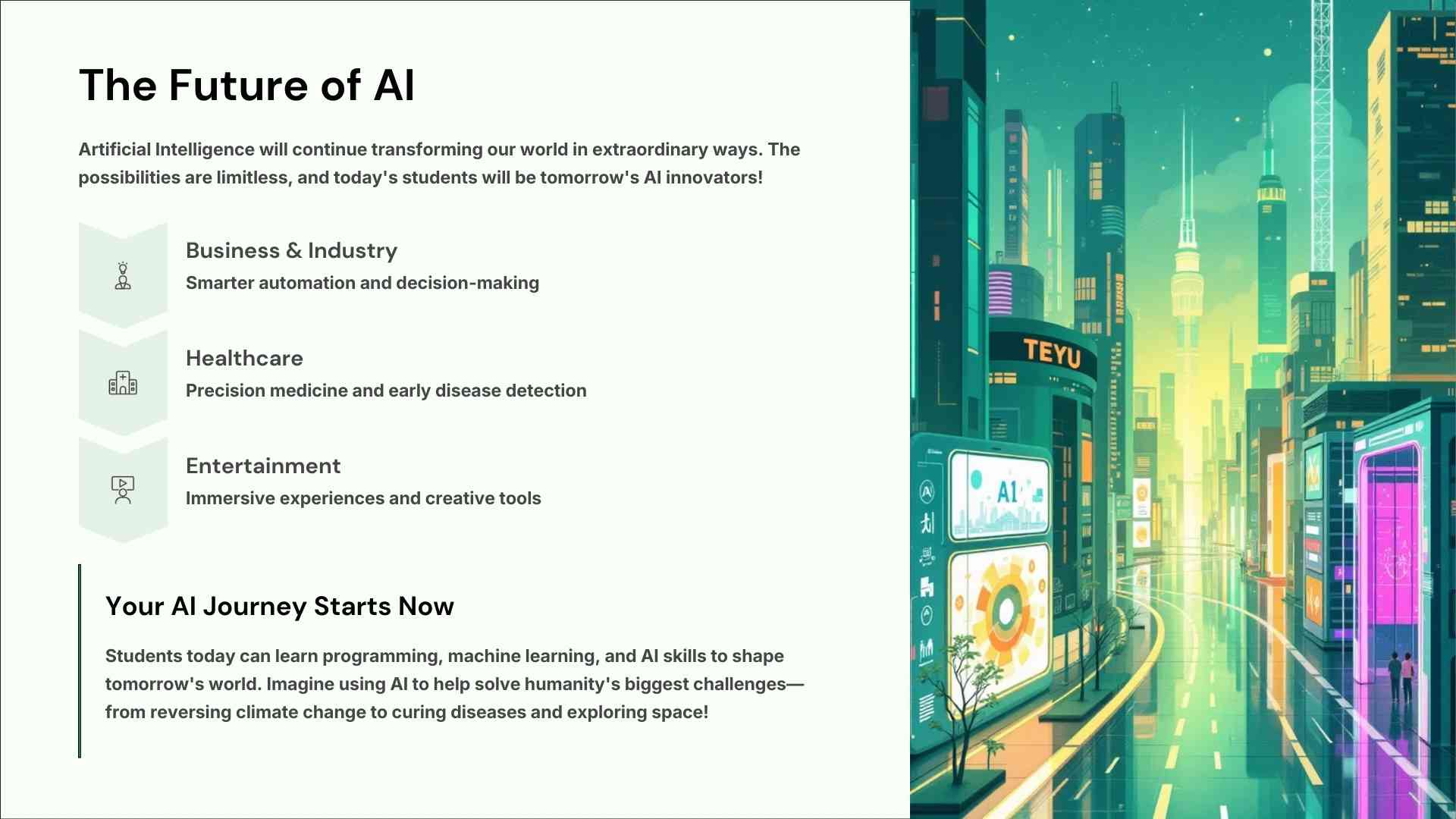

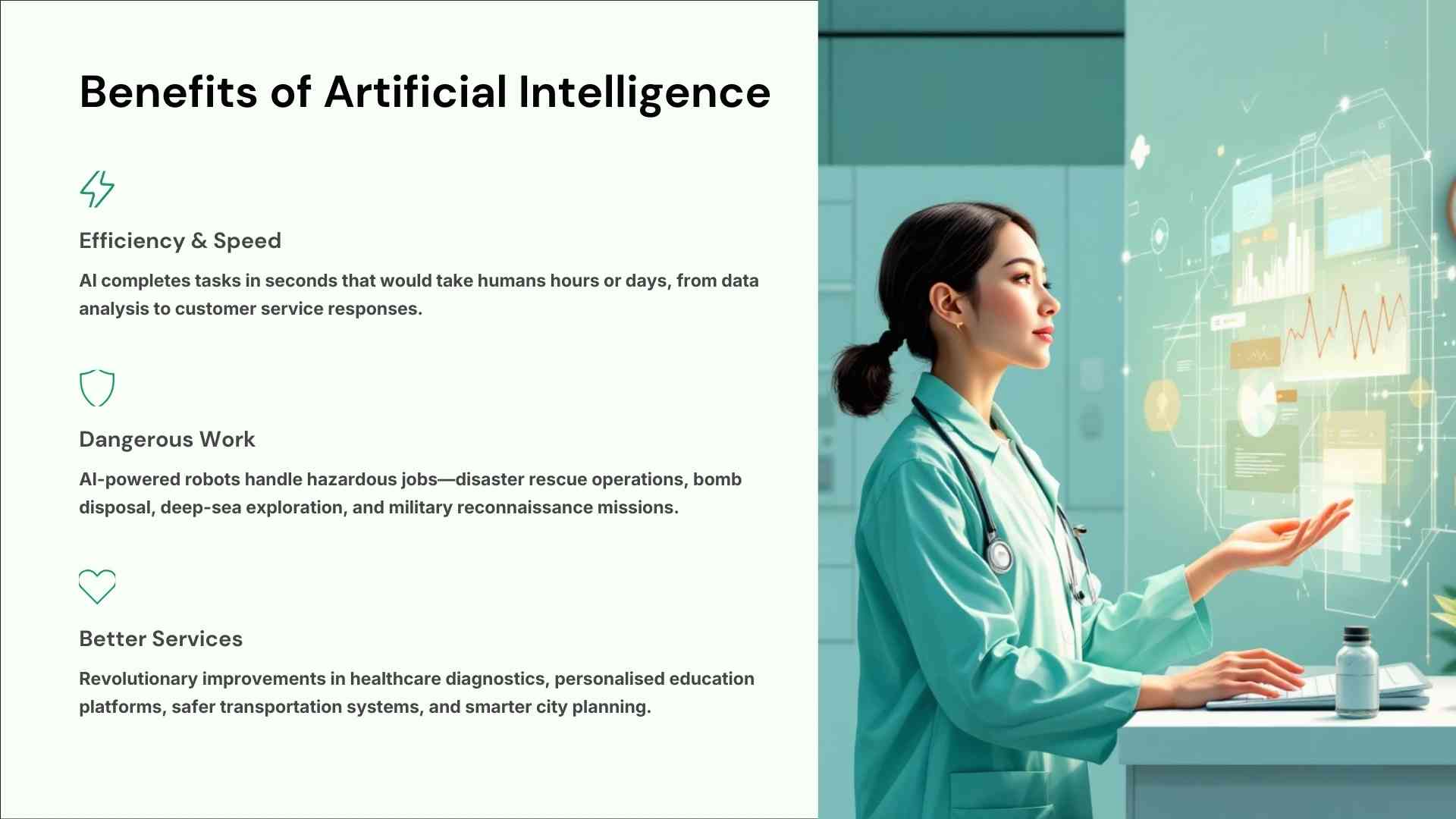
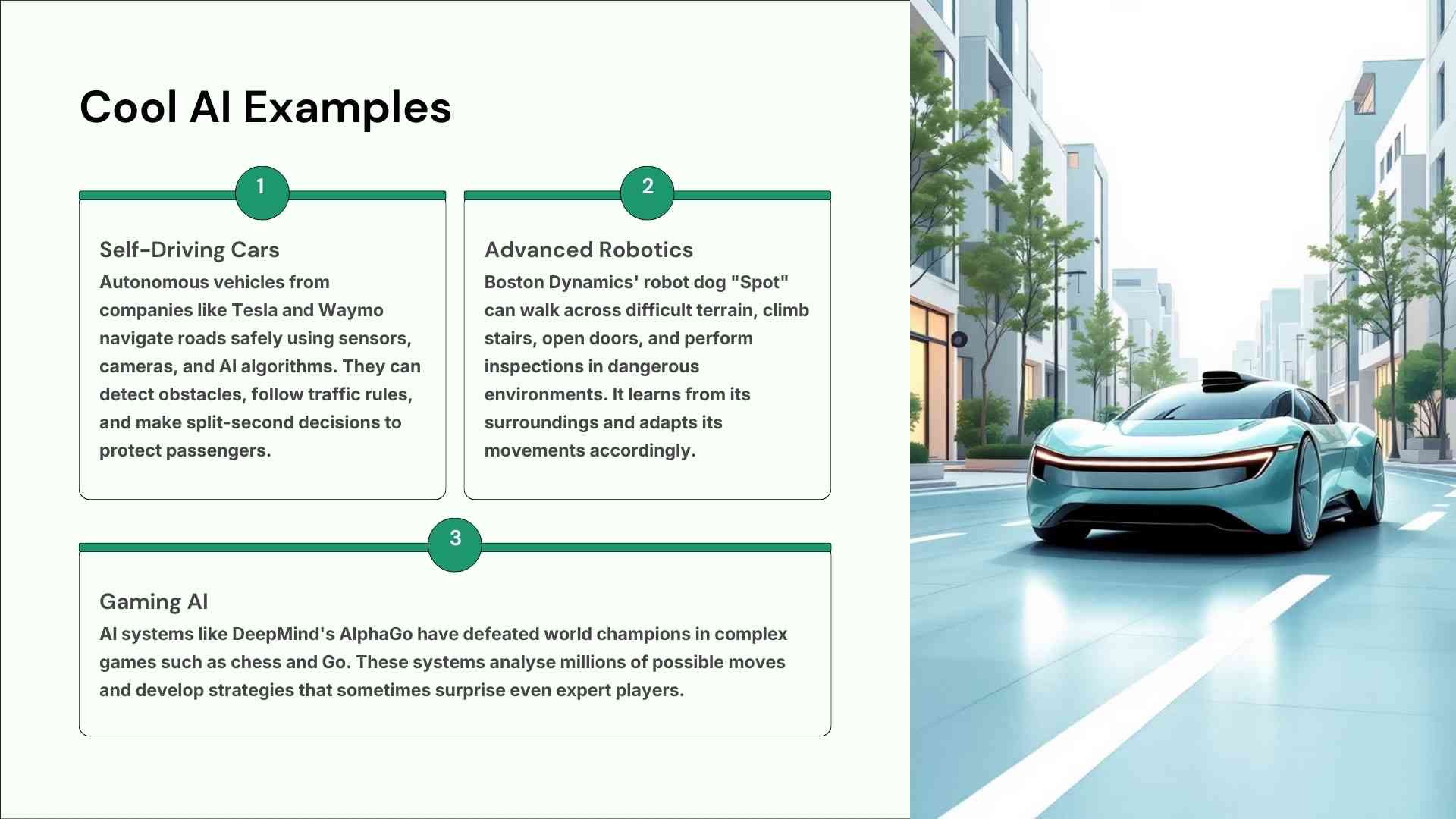
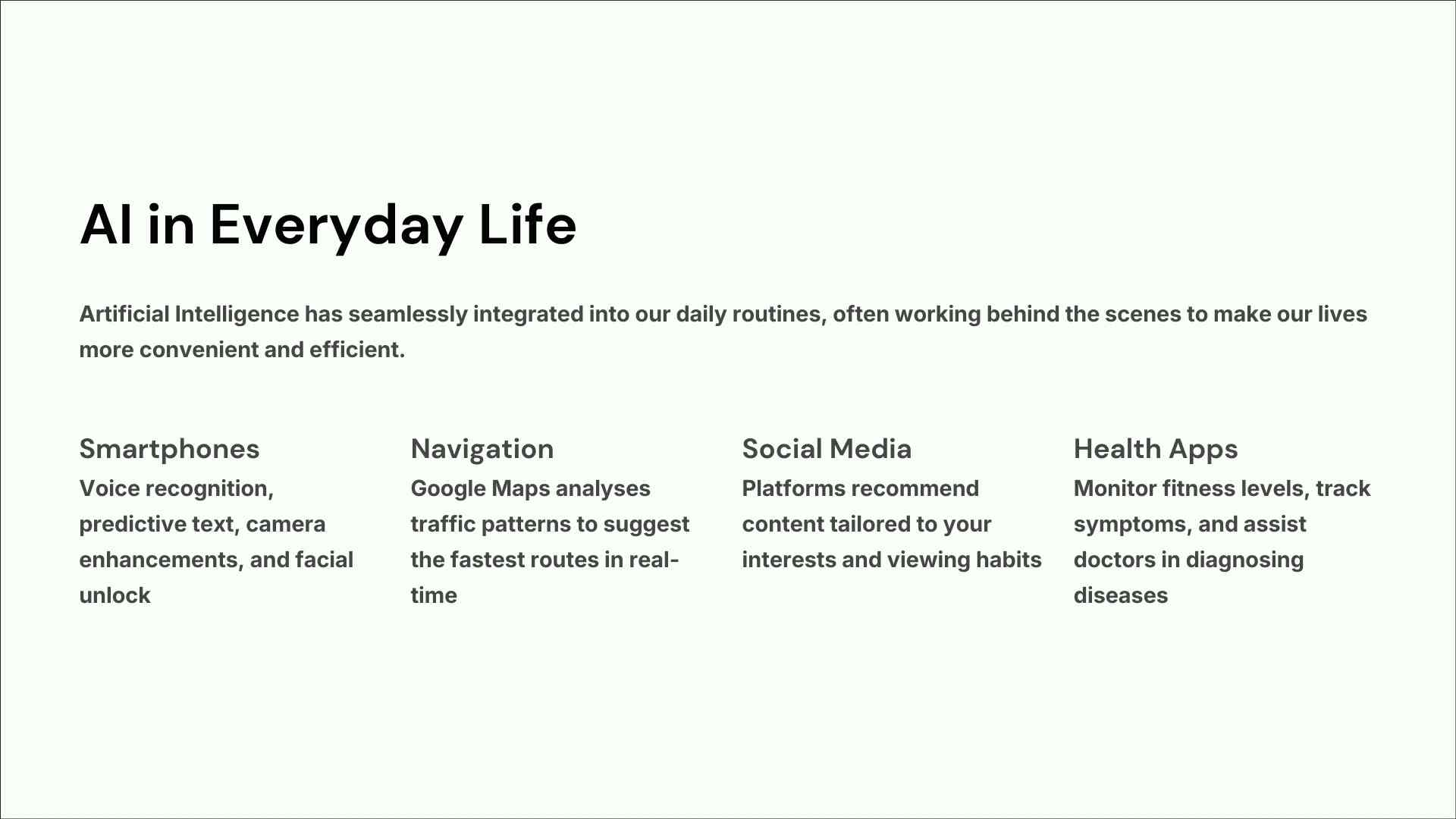
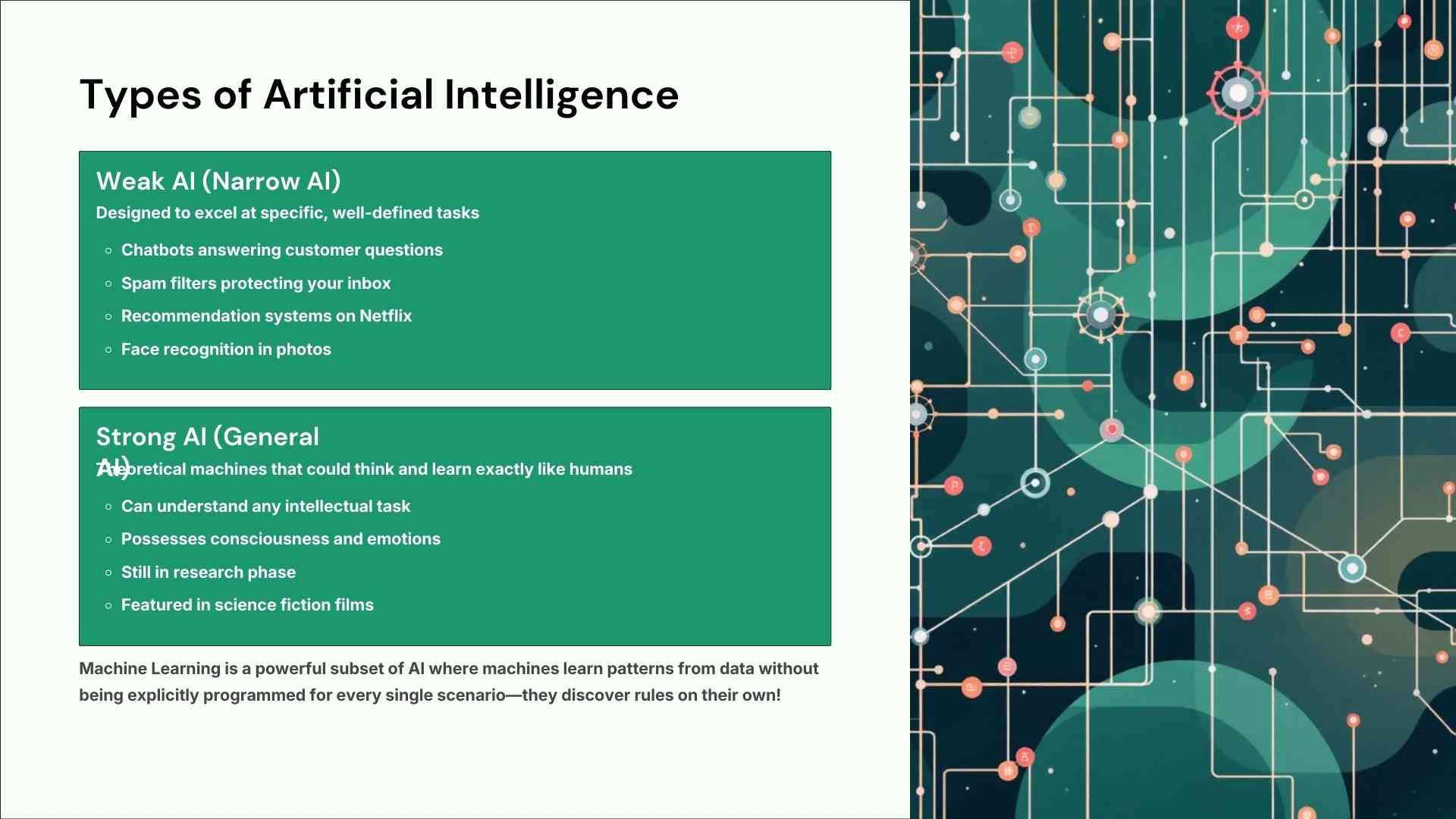

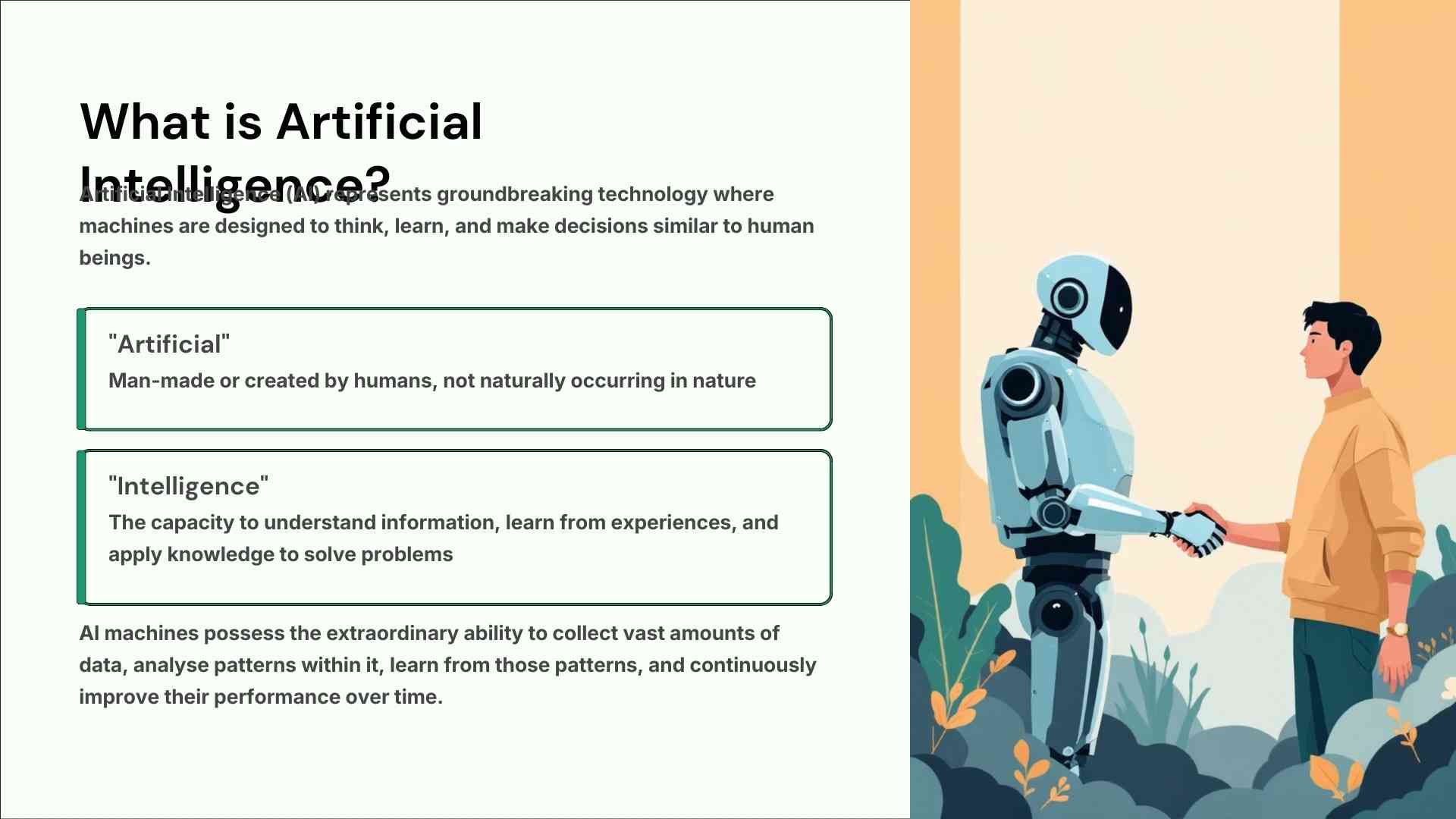
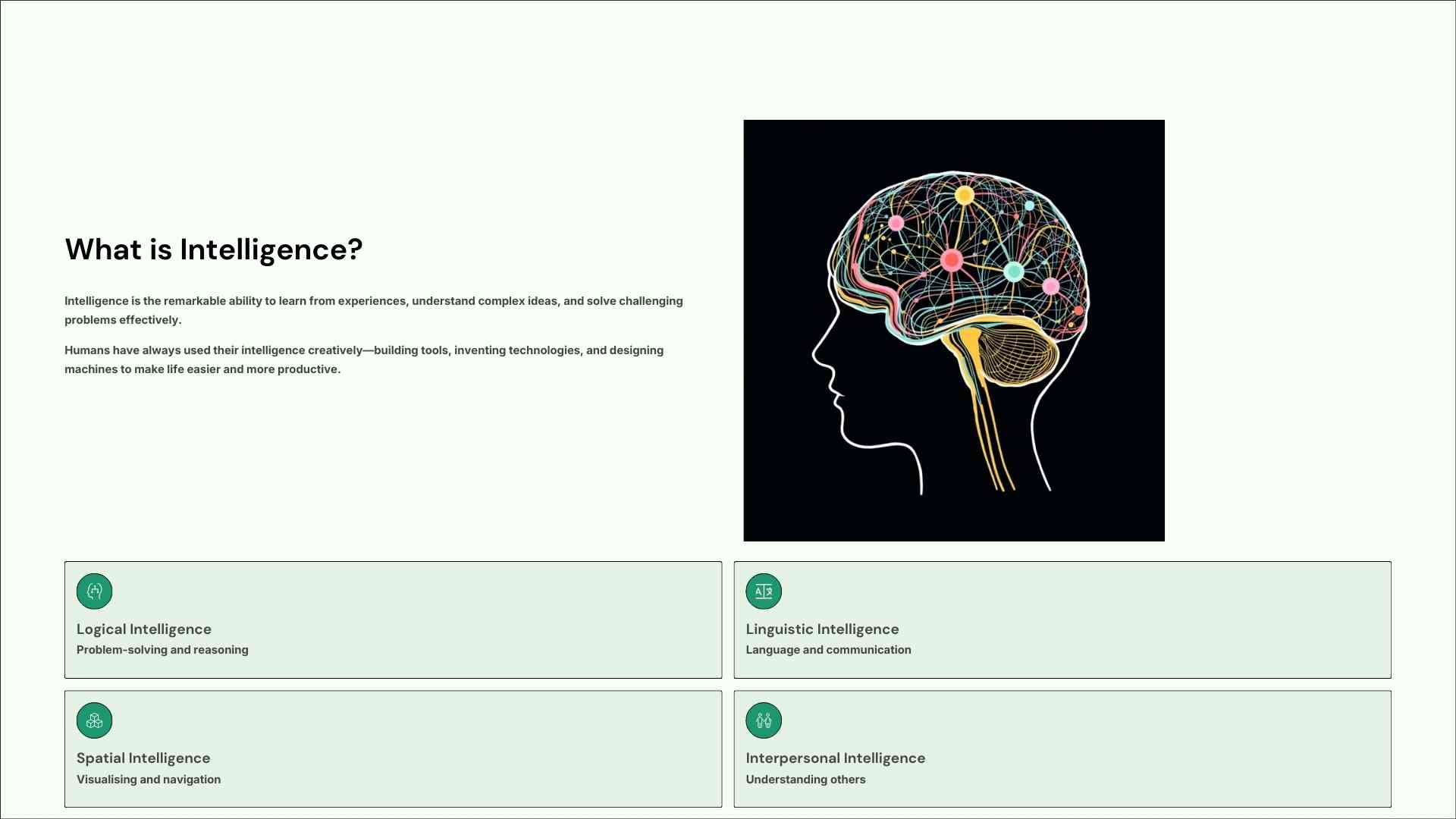
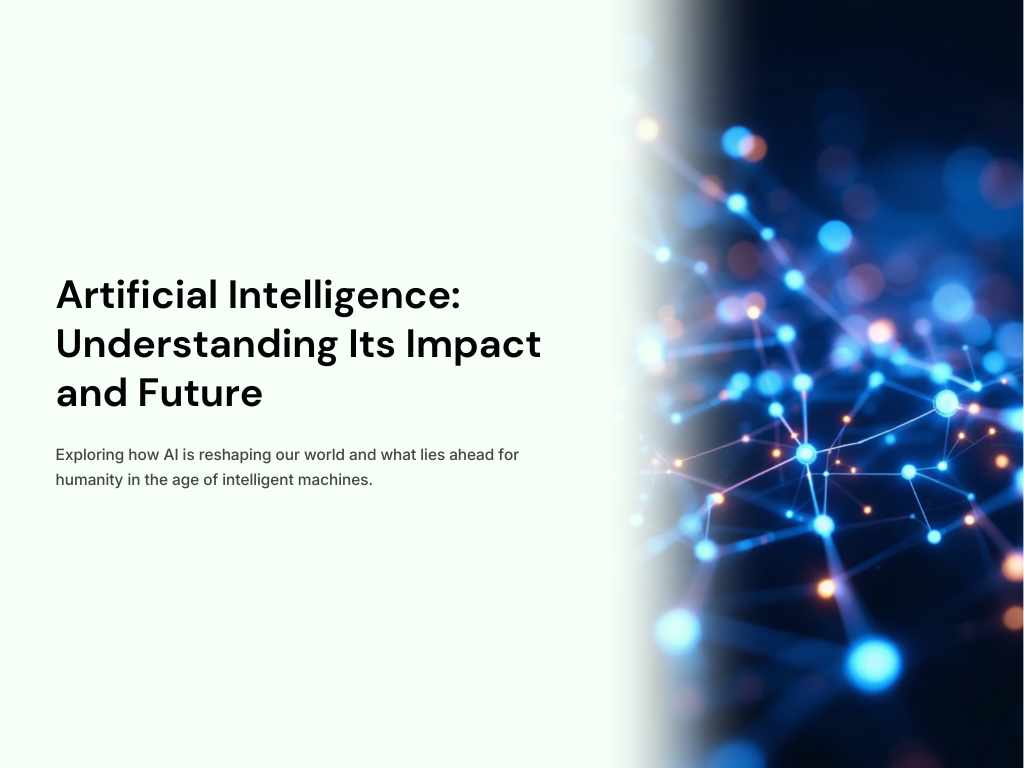
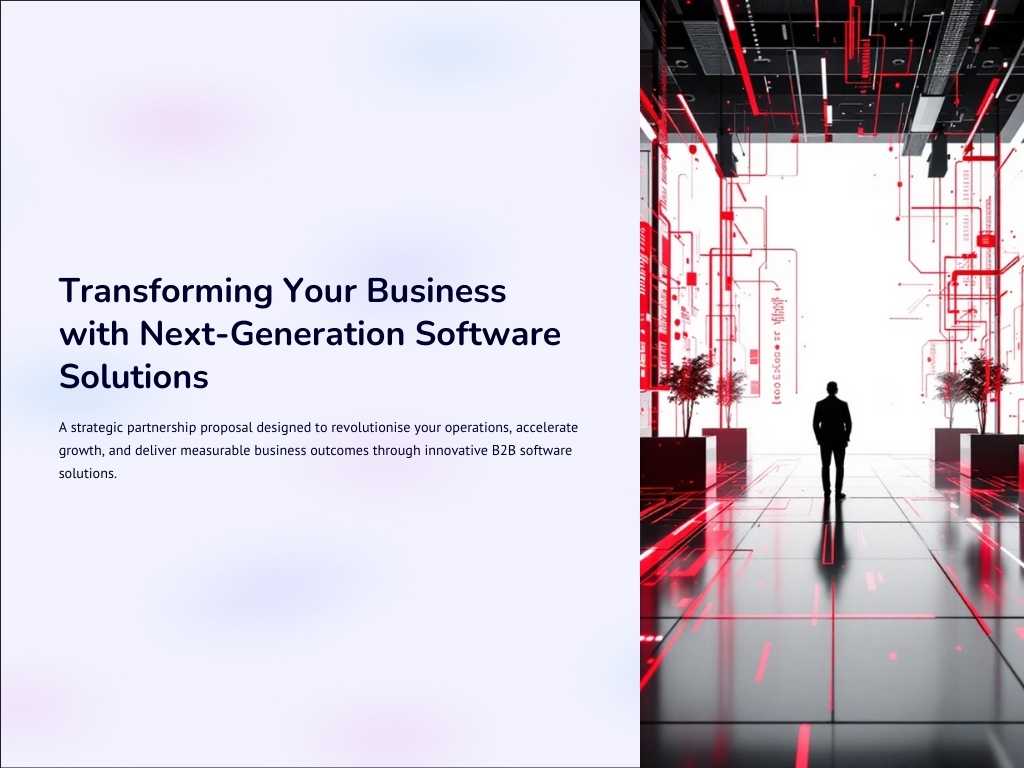
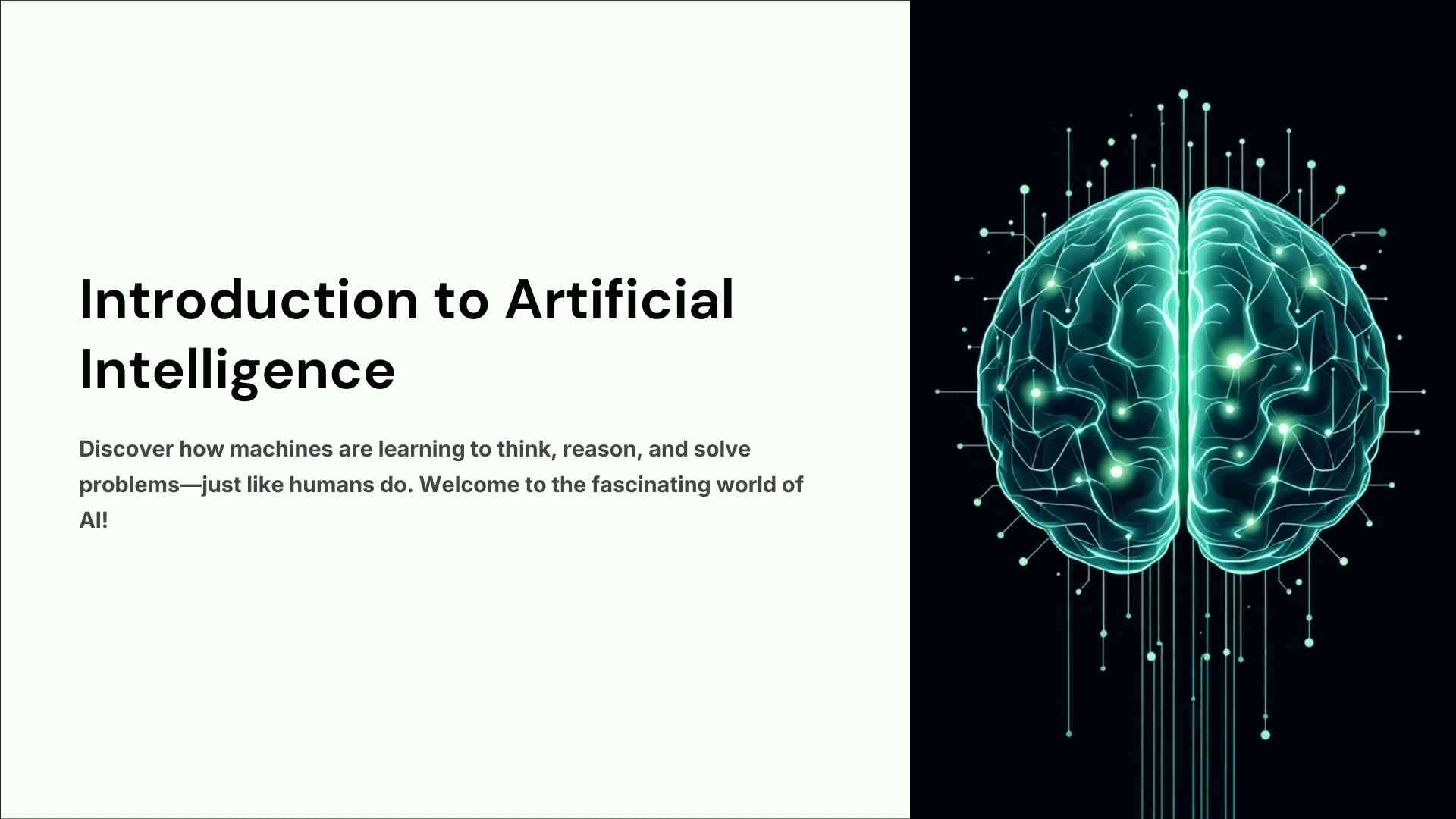
Here we have made a PPT for school children which is related to AI. Often children are given some projects from school to make, but children do not have enough time to give time to these projects along with their studies. To solve this problem of children, we have made this “PPT on Artificial Intelligence” for Class 10.
The content put in this has been made according to a Class 10 student. If we make it in too much detail, there will be difficulty in explaining it, and a student does not get good marks in a project they cannot explain. This is the only reason that the level of this PPT has been kept according to a 10th standard child.
Slide Structure
In this PPT, There is 10 slides.
Design Details
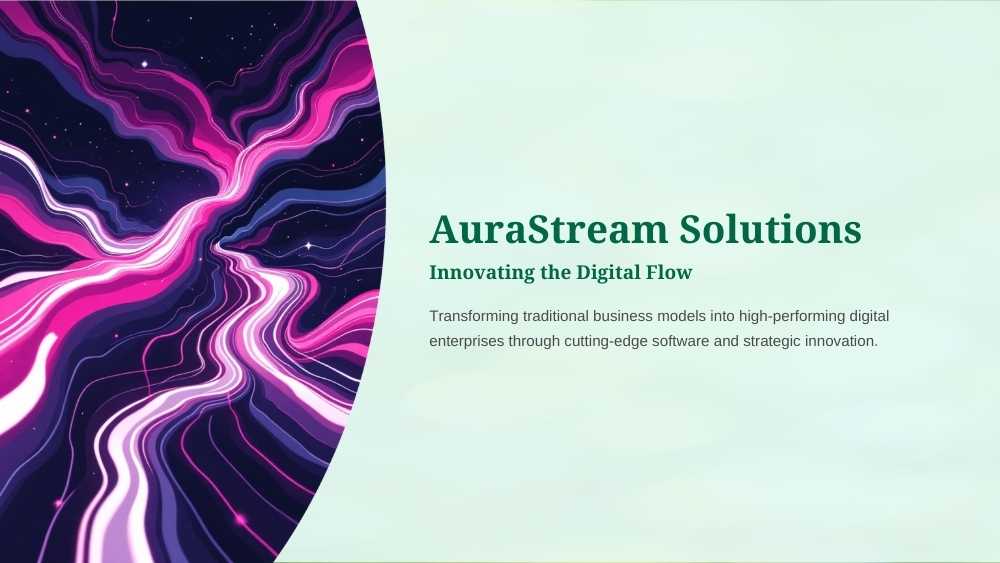
Here we have taken a light green background and made the headings in green color.
Target Audience:
Our target audience is those school children who have to show their project in the form of a PPT and tell about AI, especially 10th standard children.
Features
- Fully editable graphics and icons.
- 16:9 Aspect ratio (HD Quality).
- Compatible with PowerPoint, Google Slides, and Keynote.
- You can drag and drop images.
How to Use Guide (Step-by-Step)
- Step 1: Download the file by clicking the download button which is in front of the product.
- Step 2: Extract the ZIP file (if it is a ZIP) or open the PPT/Vector file.
- Step 3: Change fonts according to your taste or use default fonts of PPT.
- Step 4: Customize colors and text to match your brand.
Why Choose This Design? (Benefits)
This PPT will finish your hours of work in minutes. Its clean design leaves a best professional impression on your teachers because it has been designed by our professional designers.
FAQ Section (Frequently Asked Questions)
Q: Is this template really free for education use?
A: Yes, you can use it for your education or class presentations without any cost (not for resell).
Q: Can I edit this in Google Slides?
A: Yes, this .pptx file is fully compatible with Google Slides.
Common mistakes to avoid
Mistake: reading the slides word for word
Do not read the slides word for word. Your teacher wants to see that you understand AI. Use the slides as prompts and explain each point in your own words.
Mistake: too much text on one slide
If a slide has more than five short lines, split it. Big text and a few points are easier for the class to follow from the back of the room.
Mistake: forgetting examples
Add one example from daily life to each main point, such as voice assistants, map apps or photo filters. Examples show that you understand the topic.
Terms
Your use of our printables is subject to our licensing terms (You can use this for personal and commercial projects but cannot resell the original file).