PPT Presentation on Artificial Intelligence
Free download · No sign-up needed
Artificial-Intelligence-Understanding-Its-Impact-and-Future-1.pptx
File details & tips
- Slides are fully editable in PowerPoint, Google Slides or Keynote.
Trouble downloading? Read our Download Guide.
Slide preview
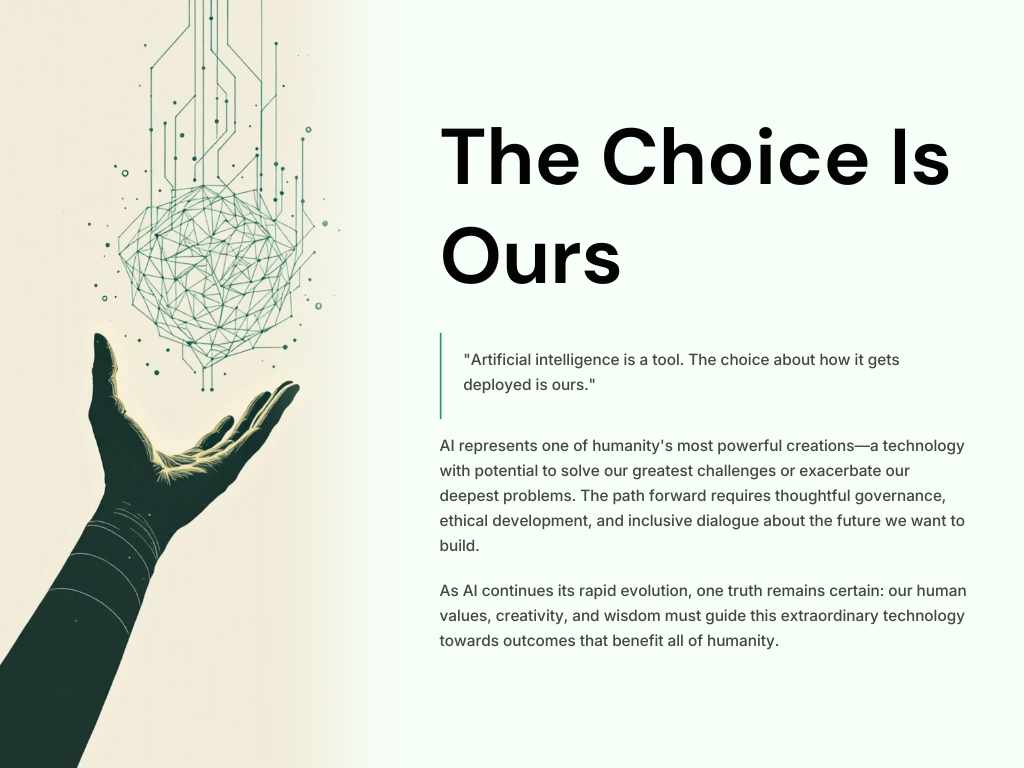
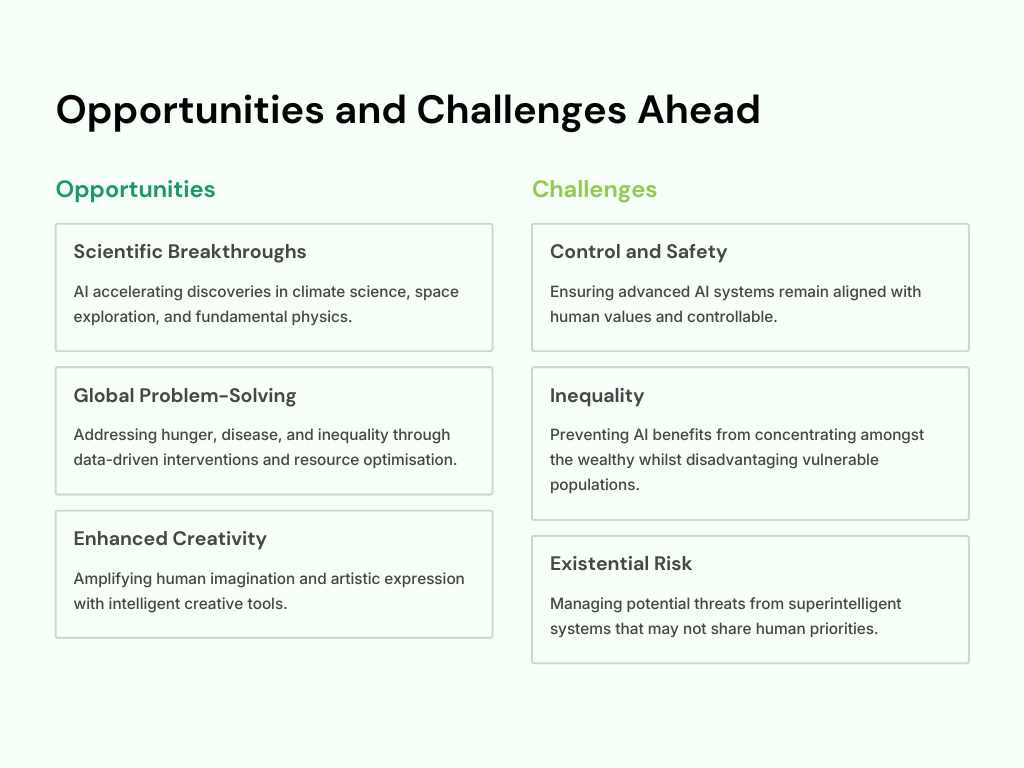
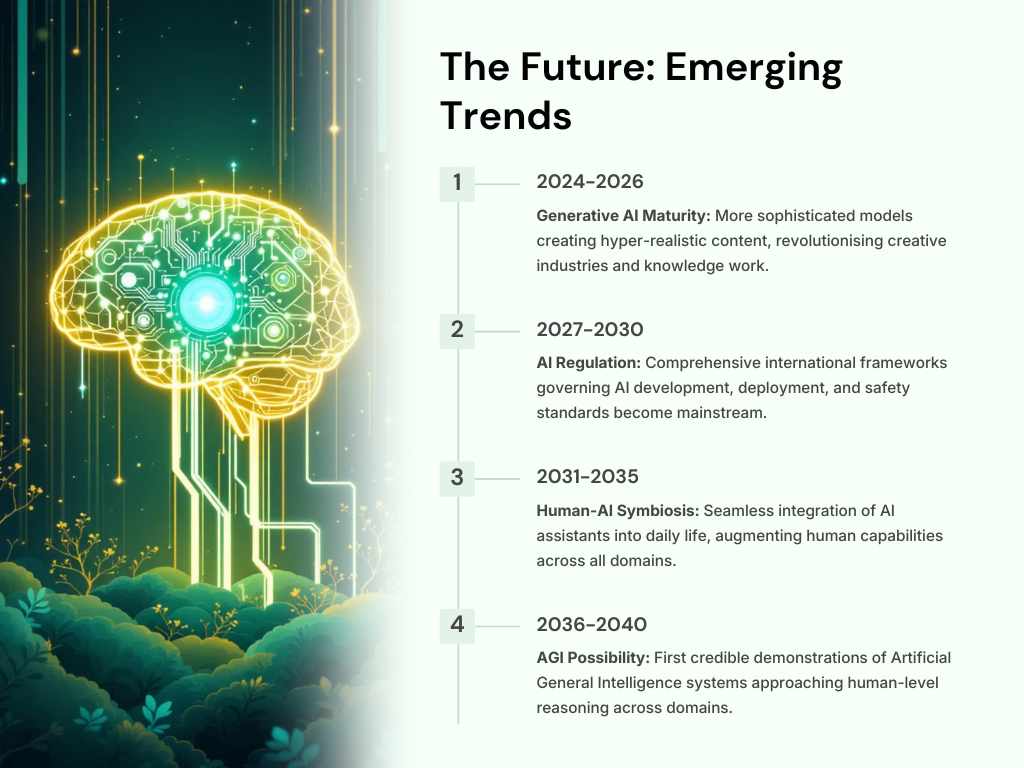
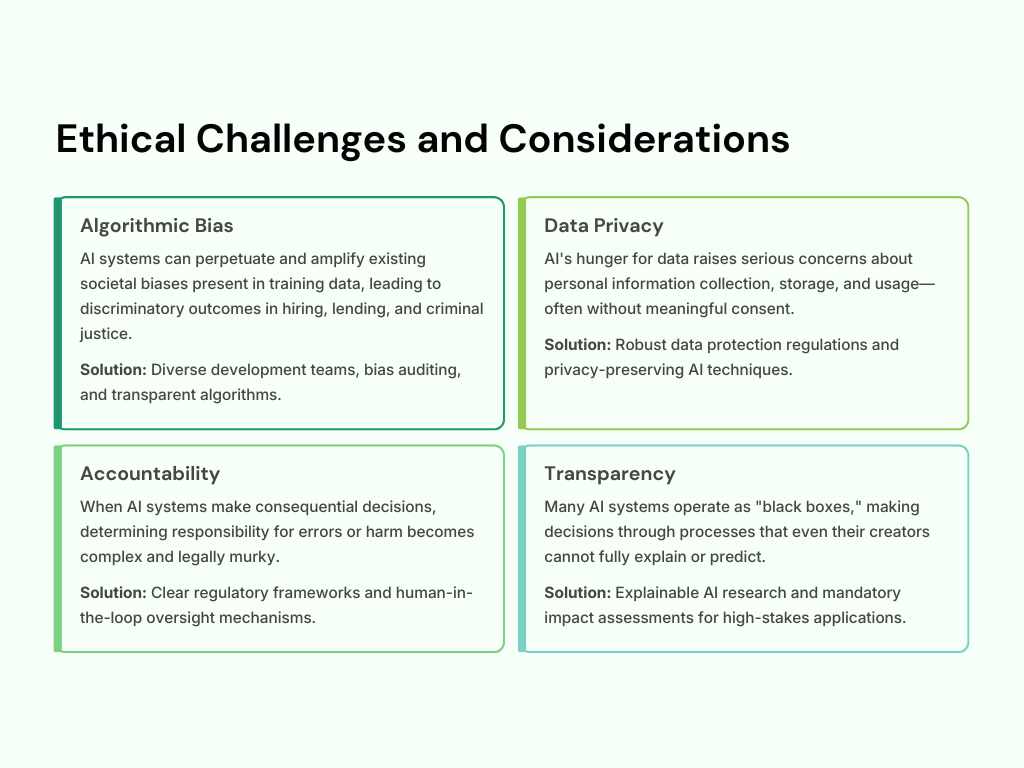
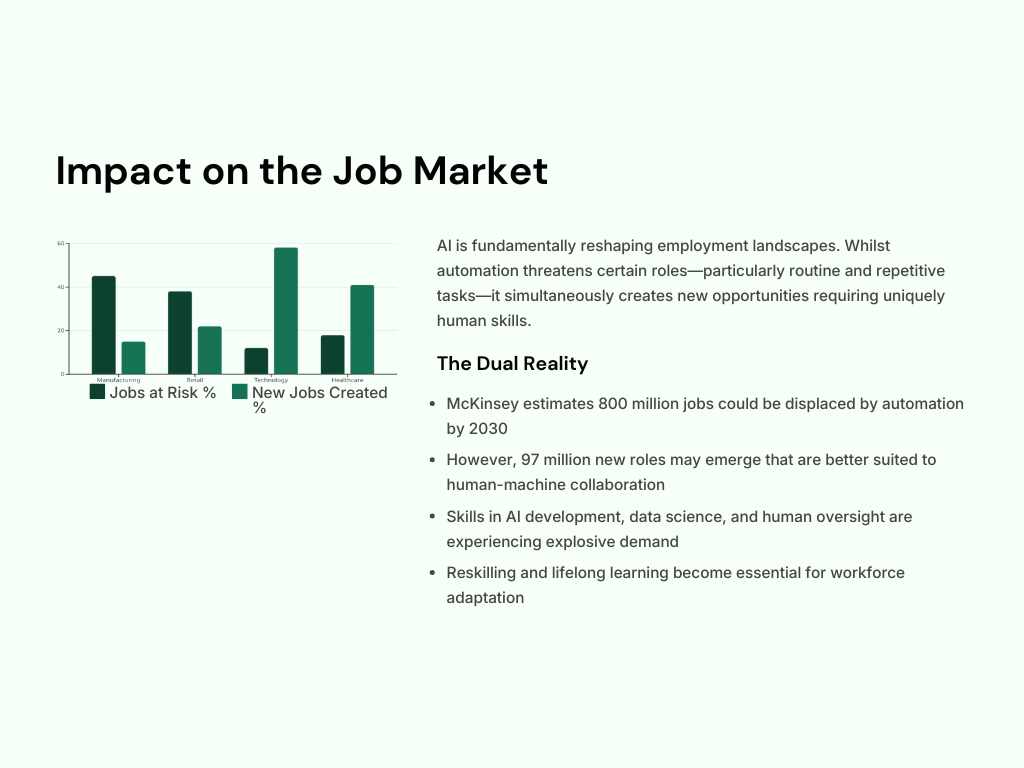
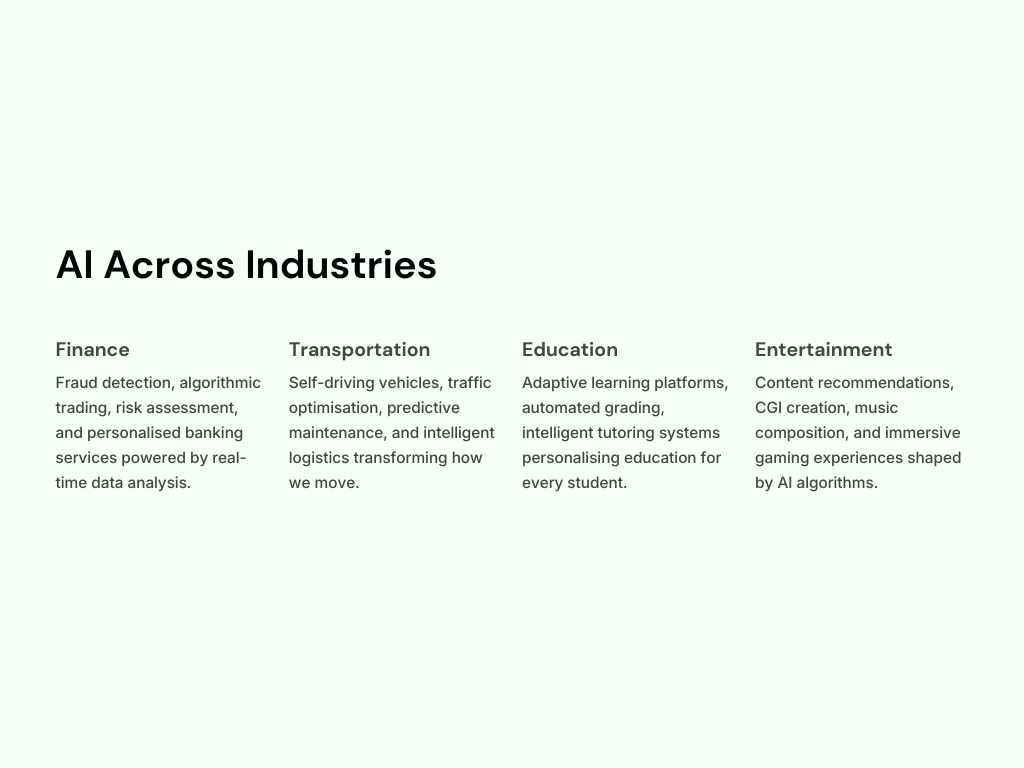
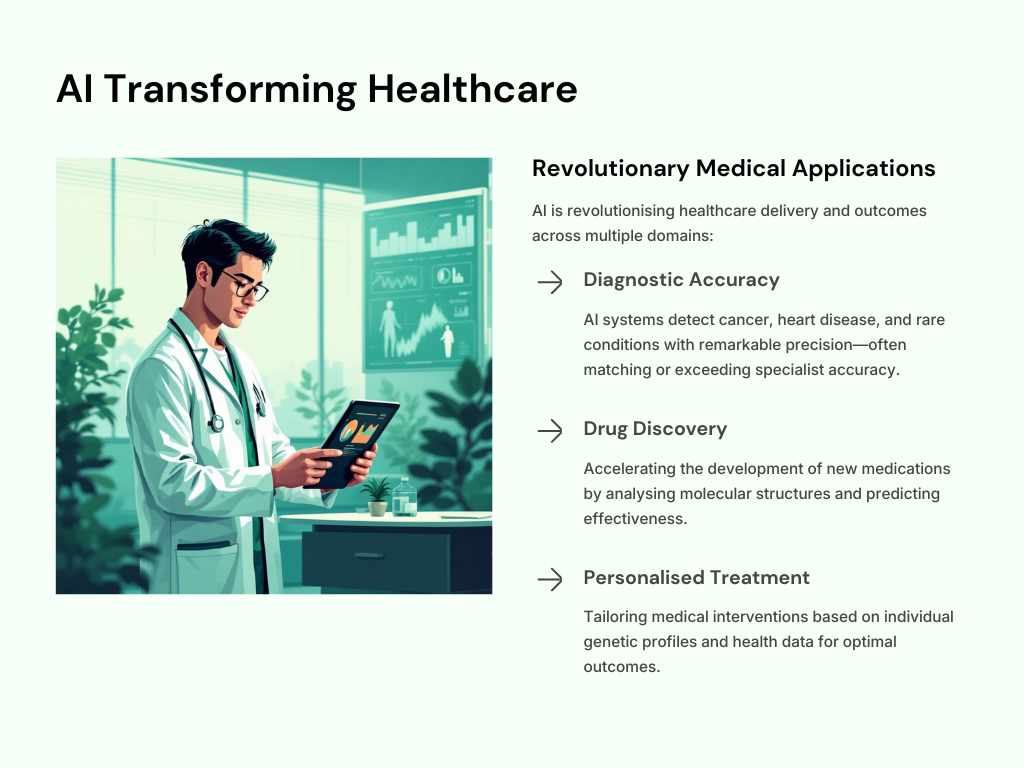
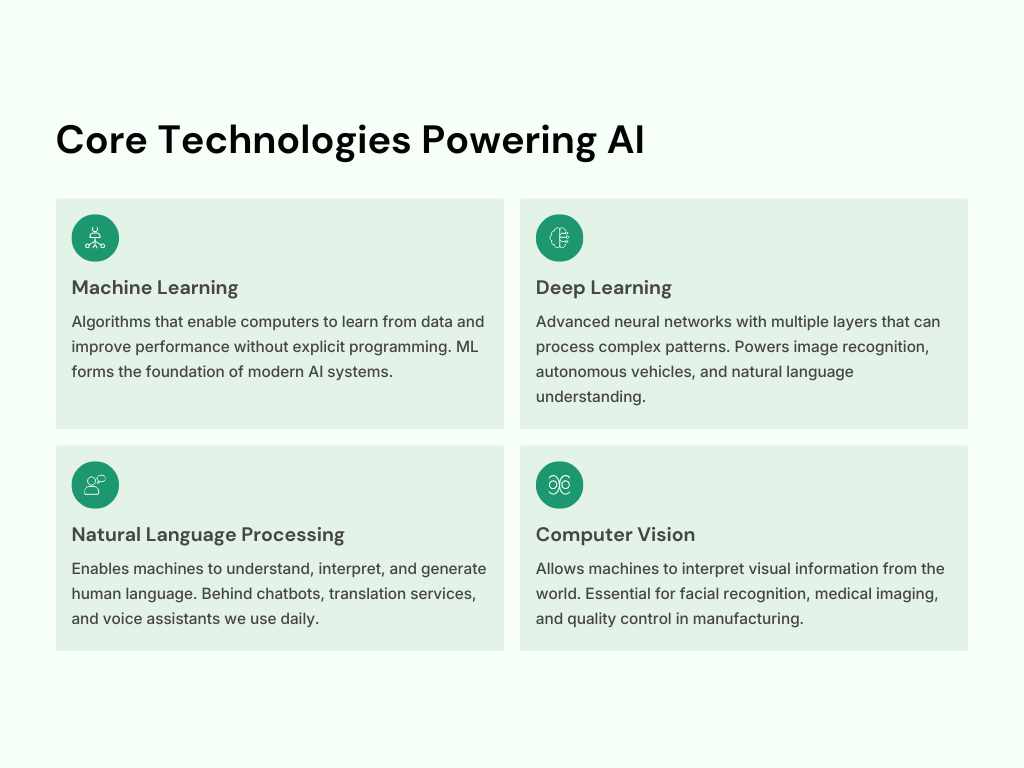
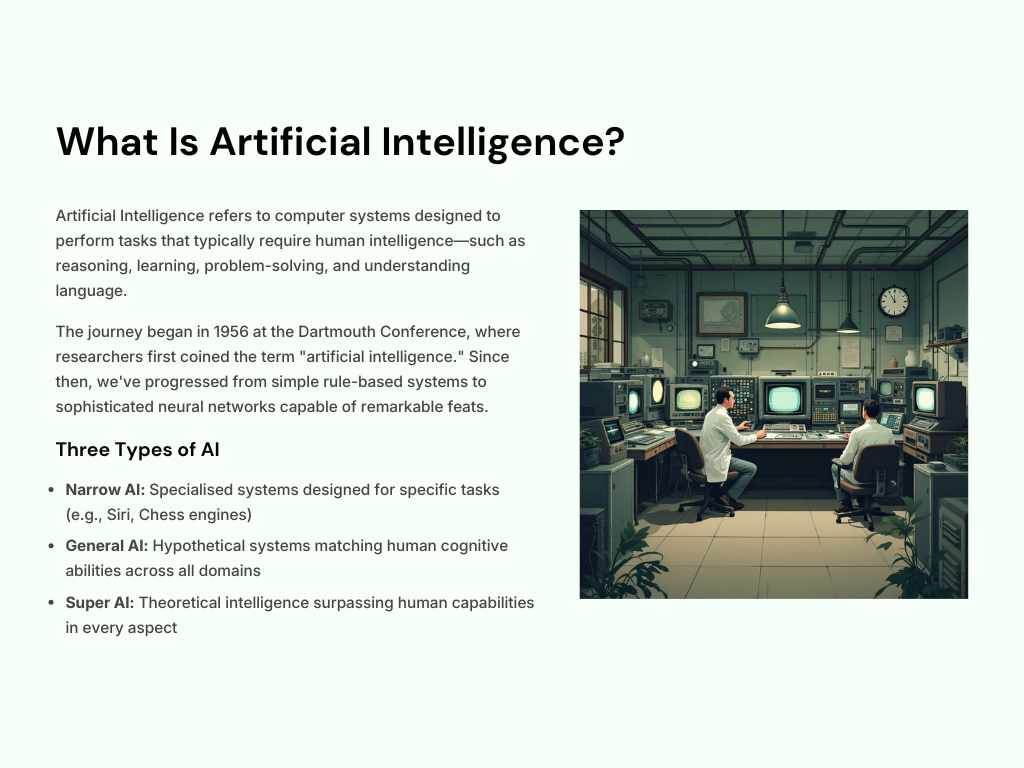
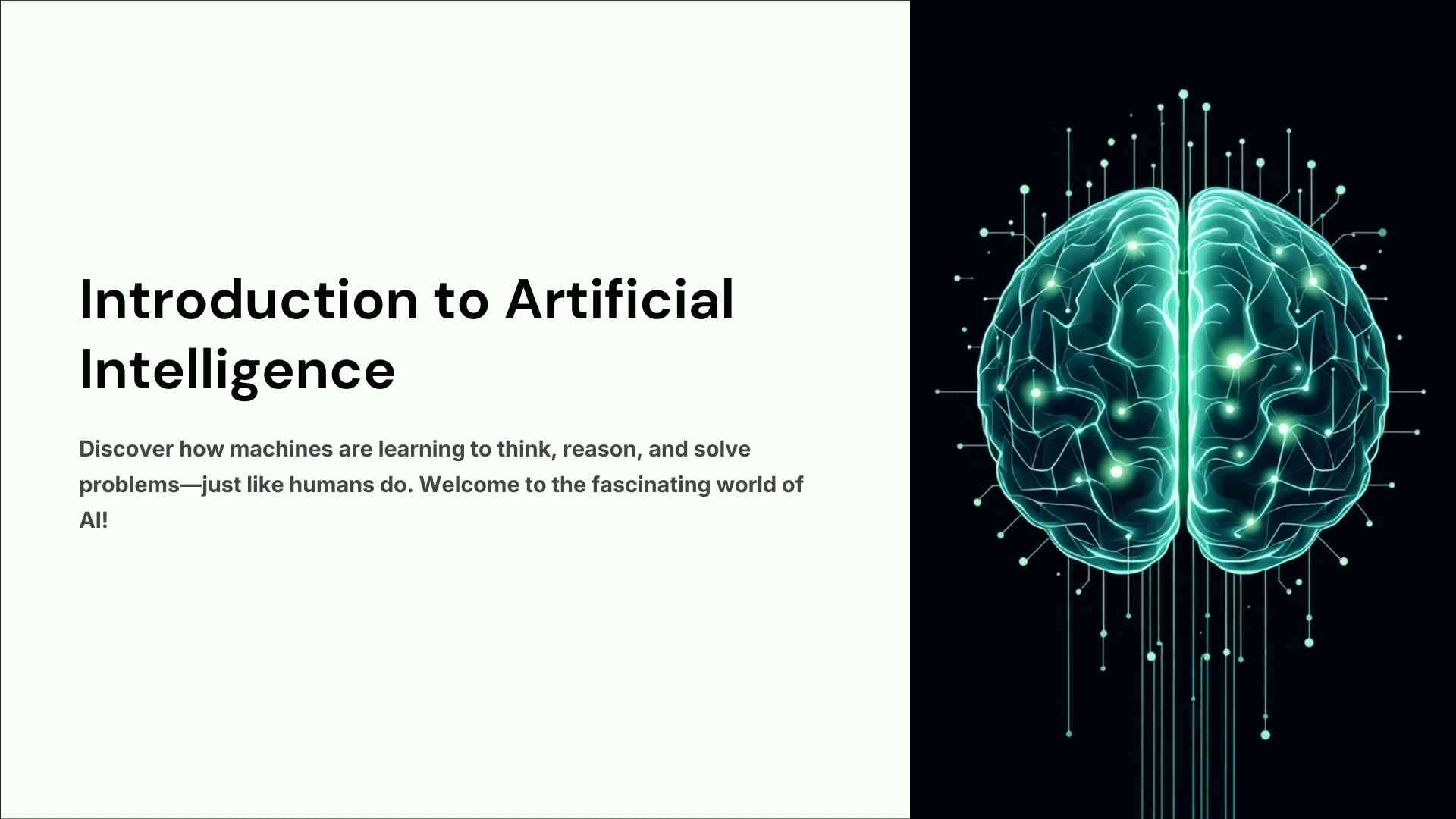
In this PPT, we have used light colors which are in a bit of a green shade. From our side, we have made a PPT related to Artificial Intelligence that you can show anywhere. This is good information which has been designed in a PPT.
We have kept the PPT title “Artificial Intelligence: Understanding Its Impact and Future” and in this, we have explained what AI is and have talked about it in detail and also designed it. Here you can download this file without any signup. You will get this in a very simple and professional design.
What is inside the presentation
The deck is titled “Artificial Intelligence: Understanding Its Impact and Future”. It starts with a simple explanation of what AI is, then moves through where it is used today and what it may change in the future. The light green theme is easy to read on a projector, even in a bright classroom.
The slides are 4:3 (1024 x 768 pixels). That shape still suits many school and office projectors. If you are presenting on a widescreen TV or laptop, open the file in PowerPoint and go to Design > Slide Size > Widescreen. Choose “Ensure Fit” so nothing gets cut off.
How to make it your own
Do not present it exactly as downloaded. Teachers and audiences notice. Add your name and class or company on the first slide. Replace at least one example with something local, such as an AI tool you use yourself or a recent news story. Finish with a slide of two or three questions for the audience. That turns a reading exercise into a discussion.
The file is a standard .pptx. It opens in PowerPoint, Google Slides (File > Import slides) and Keynote. Fonts may change slightly in Google Slides, so check each slide once after importing.
Terms
Your use of our printables is subject to our licensing terms .